RippleCom and Onview: how they work together in financial administration
Working with Onview? This is how you use RippleCom alongside…
Tuesday afternoon. Your third demo this month. Another start screen with graphs. Another tour past buttons.
On your notepad are three words: bank, court, export. Behind export are two question marks.
Then your phone buzzes. Mr Bakker messages a photo of a letter from the municipality. “Do I need to do anything with this?”
You look at the start screen. Mr Bakker is not in it. He is in your camera roll, between the cat and the Christmas tree.
Good software handles your records and your reports to the sub-district court judge. Contact with your client is part of it too: in the file.
Software for financial administrators (bewindvoerders) should above all do what the rules ask of you. Are you a professional? Then since 1 January 2026 you file your reports only digitally with the sub-district court judge (kantonrechter), through the supervision connection point (Aansluitpunt Toezicht) or Mijn CBM.
On top of that, the rules ask for a file per client, a monthly overview for your client, clear tasks per role and working securely under the GDPR (AVG).
Are you a financial administrator looking for a new program? Or do you want to switch? This article does not compare packages. It gives you the questions to put to every package.
Do you also do budget management (budgetbeheer)? That is a voluntary agreement between your client and you, without a sub-district court judge. For protective administration (beschermingsbewind) you do file digitally as a professional. Then choose a package that is connected, or work in Mijn CBM alongside it. Read about the difference between budget management and financial administration.
There are two routes to the court. This is what the Dutch judiciary (de Rechtspraak) says:
Which suppliers are connected? The judiciary keeps a list of them, with the status per supplier. Ask the supplier as well.
In February 2025 the judiciary’s CBM Expert Group (Expertgroep CBM) wrote that in Mijn CBM you enter all information by hand each time. With few files that need not be a problem. For offices with many clients a link through Aansluitpunt Toezicht can be worthwhile. The Expert Group was also clear: not having suitable software is no valid reason for not being connected. Its advice was to switch to software that does connect. Without suitable software you can use Mijn CBM.
Even if your software sends it, you remain responsible for what you submit. According to the rules of Aansluitpunt Toezicht (Reglement Aansluitpunt Toezicht), the judiciary is not responsible for its content and quality.
The Quality Requirements Decree (Besluit kwaliteitseisen) asks you as a professional for a file per client that you keep up to date every week. It contains at least the documents about the assets. And a record of your contacts with your client.
You also give your client an overview every month of what happened in their account. Unless they do not want that or cannot understand it.
For the annual account (rekening en verantwoording) you need bank statements. They must come from the bank’s own system, with the bank’s logo. A downloaded PDF is allowed. A screenshot of the bank’s app is not.
Does the administration end? Then you keep the records for five years for the court.
So ask whether the package keeps all this in one place. And whether you can keep a closed file for five years.
Do you work with colleagues? Then the Quality Requirements Decree asks for a description of the roles. With the tasks and powers for each role. Whoever gives the order for a payment does not also do the payout and the bookkeeping. This does not apply if you work alone. Rights per employee in your software help with that separation.
The same article asks for safeguards for the reliability and continuity of your data processing. Put simply: your data is correct and stays available. Even if something goes wrong.
You work with sensitive data. Income, debts, letters from authorities. The GDPR applies to that.
Does the supplier store your clients’ data for you? Then they are your processor. You remain responsible. With a processor you conclude a processing agreement (verwerkersovereenkomst). According to the Dutch Data Protection Authority (Autoriteit Persoonsgegevens), it sets out among other things what the supplier may and may not do with the data. And arrangements for reporting a data breach. Does the supplier bring in another company itself? That is only allowed with your written permission.
Every organisation must properly secure personal data. The Authority gives examples of measures:
Also ask where the data is stored. Does personal data go to a country outside the EU? Then separate rules apply.
Put every package to the same questions. Then you compare fairly.
As a financial administrator, do you want to switch software? Then start with questions 3 and 7.
Financial administration software handles the records. Contact with your client goes by phone, WhatsApp and email. 12.1 million Dutch people aged 15 and over use WhatsApp every day (Newcom, January 2026). A photo of a letter is sent in no time.
An initiative paper to the Dutch House of Representatives puts it plainly: people under financial administration suffer from poor reachability and communication by their administrator.
That contact belongs in the file too. The Decree asks for a record of your contacts. And your client gets a reply to a message within two working days. By phone, you are reachable on at least four working days a week. Is a message only on the phone of one employee? Then a colleague does not see it. And it does not end up in the file by itself.
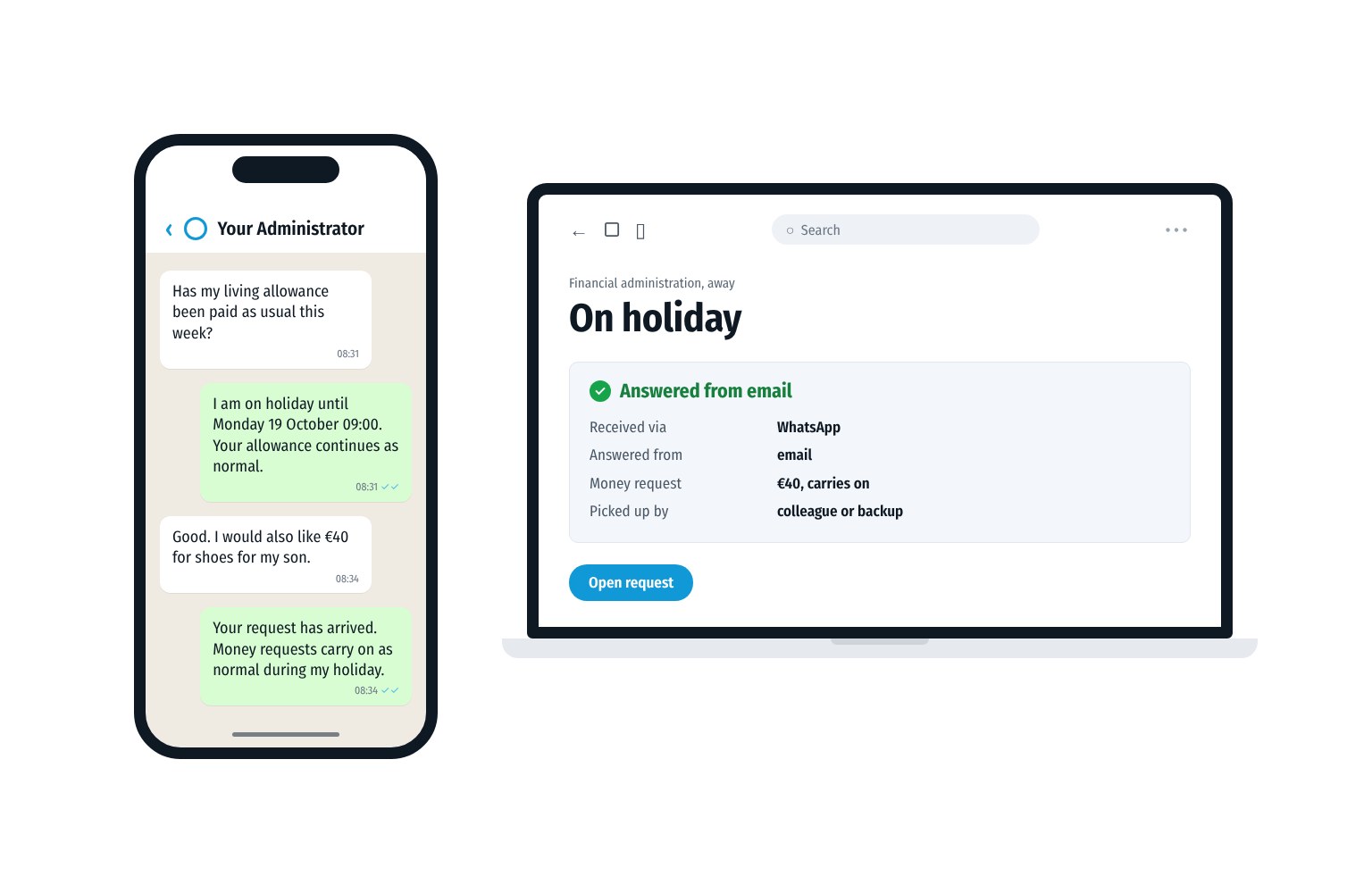
There are solutions for this. A message to your office’s business number then arrives straight in the office email. Or with the file, if your package can add email to the file. With Onview that works through an archive connection, see RippleCom and Onview. With the photo of the letter attached. Your colleague replies from the email. The client receives that reply as a WhatsApp message. That way a colleague takes over when you are off. And everything stays on record.
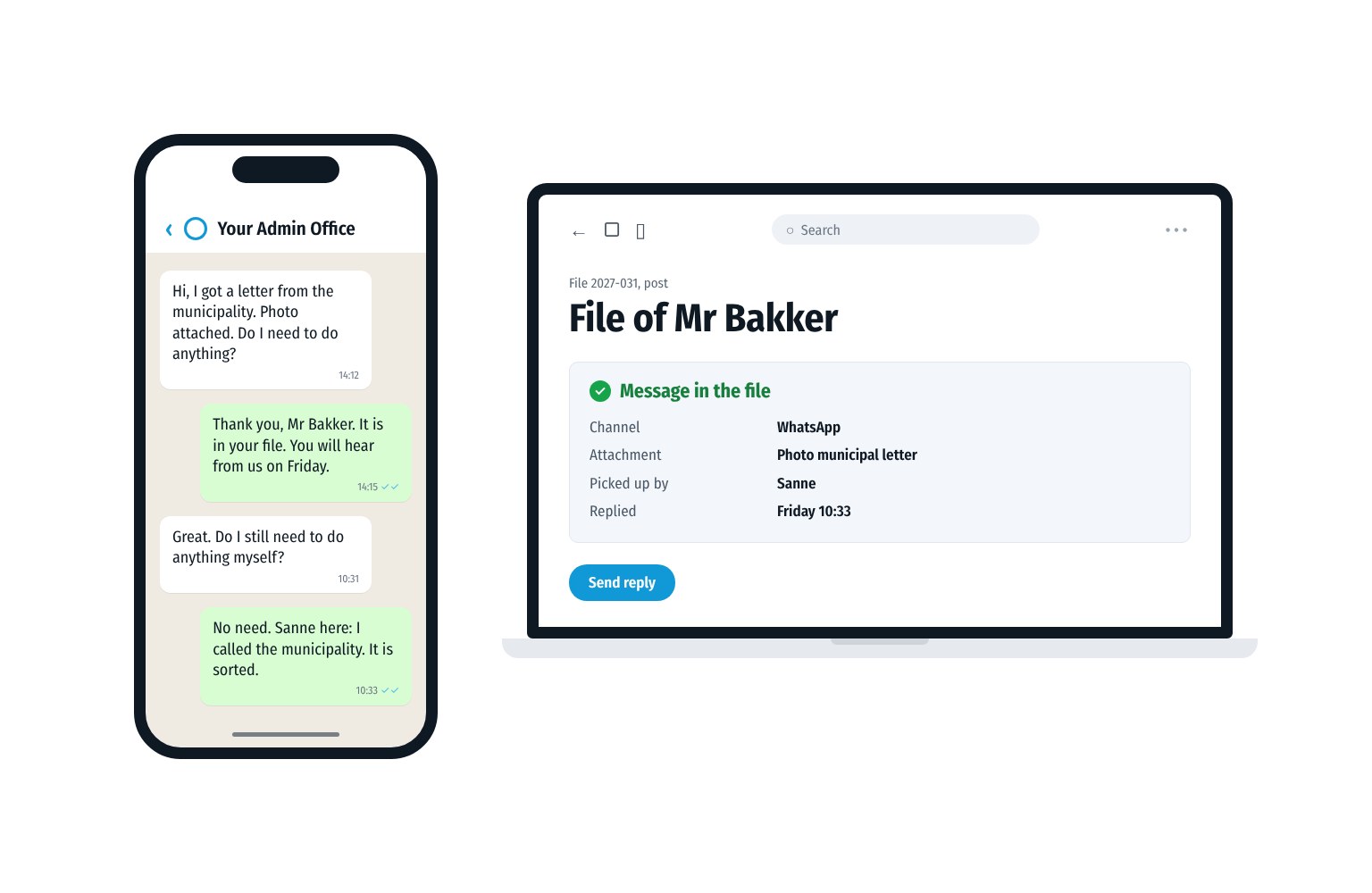
Thursday. Mr Bakker messages your office number. A photo of the letter from the municipality.
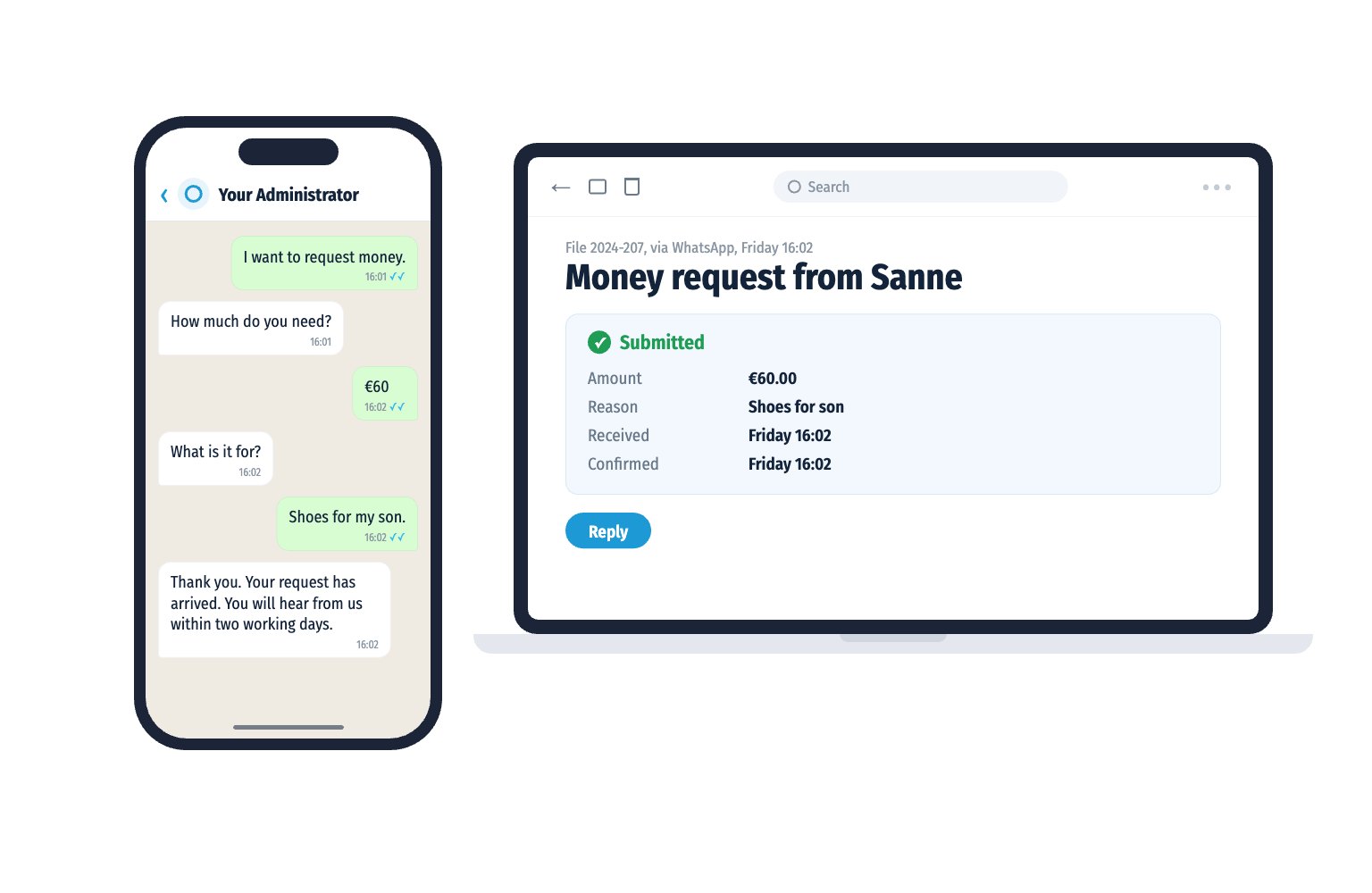
Your colleague Sanne sees it in the email, with his file. She replies from the email: “Thank you. You will hear from us on Friday.”
On Friday Sanne calls the municipality. She messages Mr Bakker: “It is sorted.” The whole conversation is in his file.
Your notepad still has three words on it. Behind export there is now a tick. The cat in your camera roll has the place to itself again.
The client is heard. The financial administrator simply works in their own email. The office earns it. So it arrives.
Does your client prefer to call? If it is about extra money, the phone menu sends them a WhatsApp message with two questions: how much and what for. The request arrives as a separate email. At Profez, 90% of requests for extra money now arrive separately as a money request (RippleCom’s own measurement, over two months from June 2026).
RippleCom is not an administration package and does not replace one. There is no direct integration with Onview. In RippleCom, calls, WhatsApp and SMS sit in one overview, with assignment to a colleague. Want it in the client file? Then you forward the conversation to email.
How does your office score? Take the free Communication Scan for financial administrators. You see where you can gain in reachability, requests and record keeping. Your result arrives straight in WhatsApp.
Prefer to see how it works first? Book a demo.
The package helps you do what the rules ask. As a professional you file reports digitally with the sub-district court judge. You keep a file per client, give your client an overview every month and handle personal data securely.
The Dutch judiciary keeps a list of connected suppliers, with the status per supplier. Also check with your supplier. Is your supplier not connected? Then you work in Mijn CBM.
Yes, if the supplier stores or processes your clients’ data for you. Then they are your processor and according to the Dutch Data Protection Authority you conclude a processing agreement.
That depends on what the package can do. For protective administration you file reports digitally with the sub-district court judge as a professional. So ask whether the package is connected to Aansluitpunt Toezicht, or work in Mijn CBM alongside it.
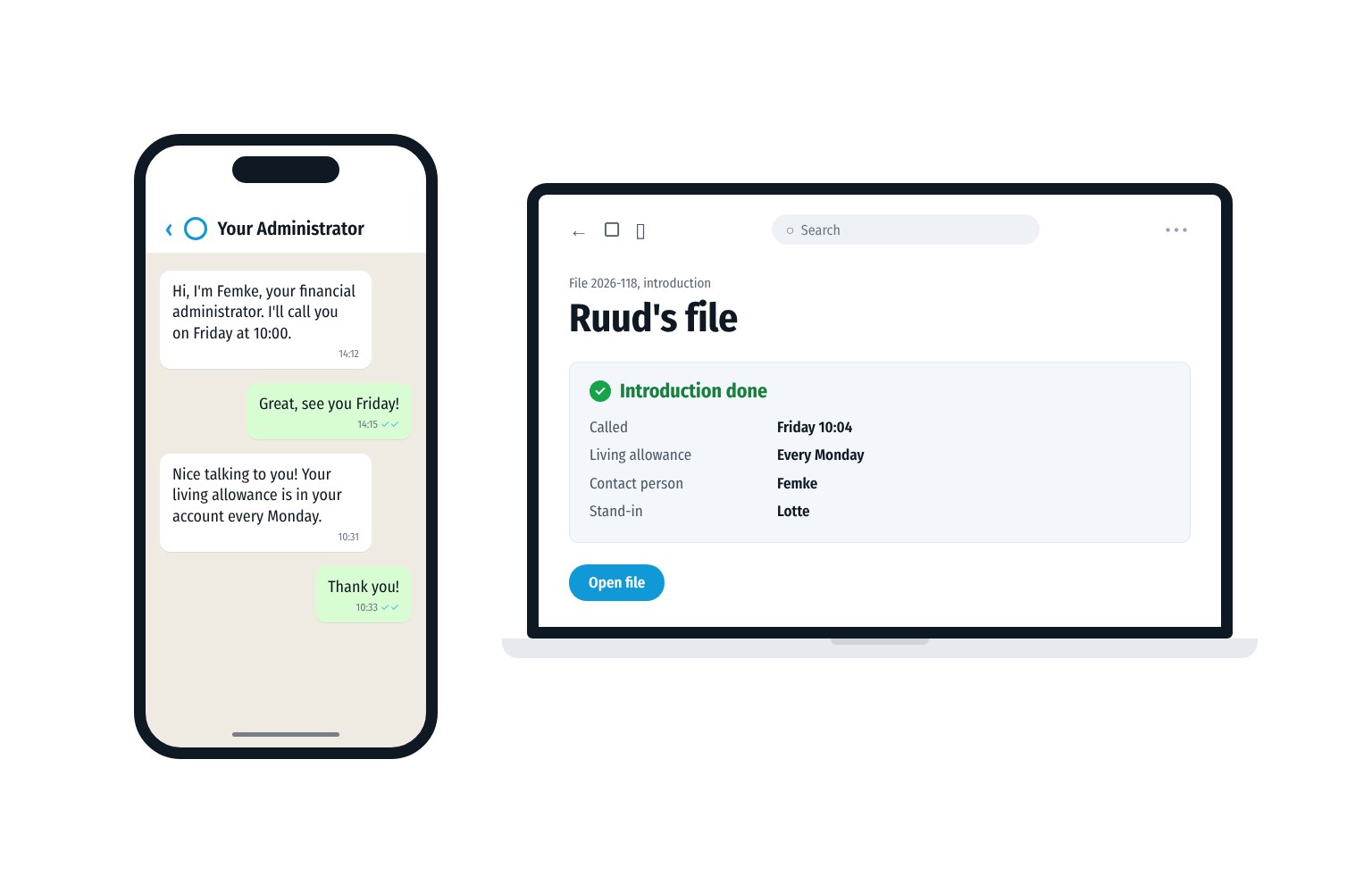
In the file. The Quality Requirements Decree asks for a record of your contacts with your client. Do messages to the business number arrive in the office email or with the file? Then a colleague can also see them and pick them up.
Free Communication Scan
Take the free Communication Scan. 6 questions, 1 minute, your result straight to WhatsApp.
or book a 30 minute demo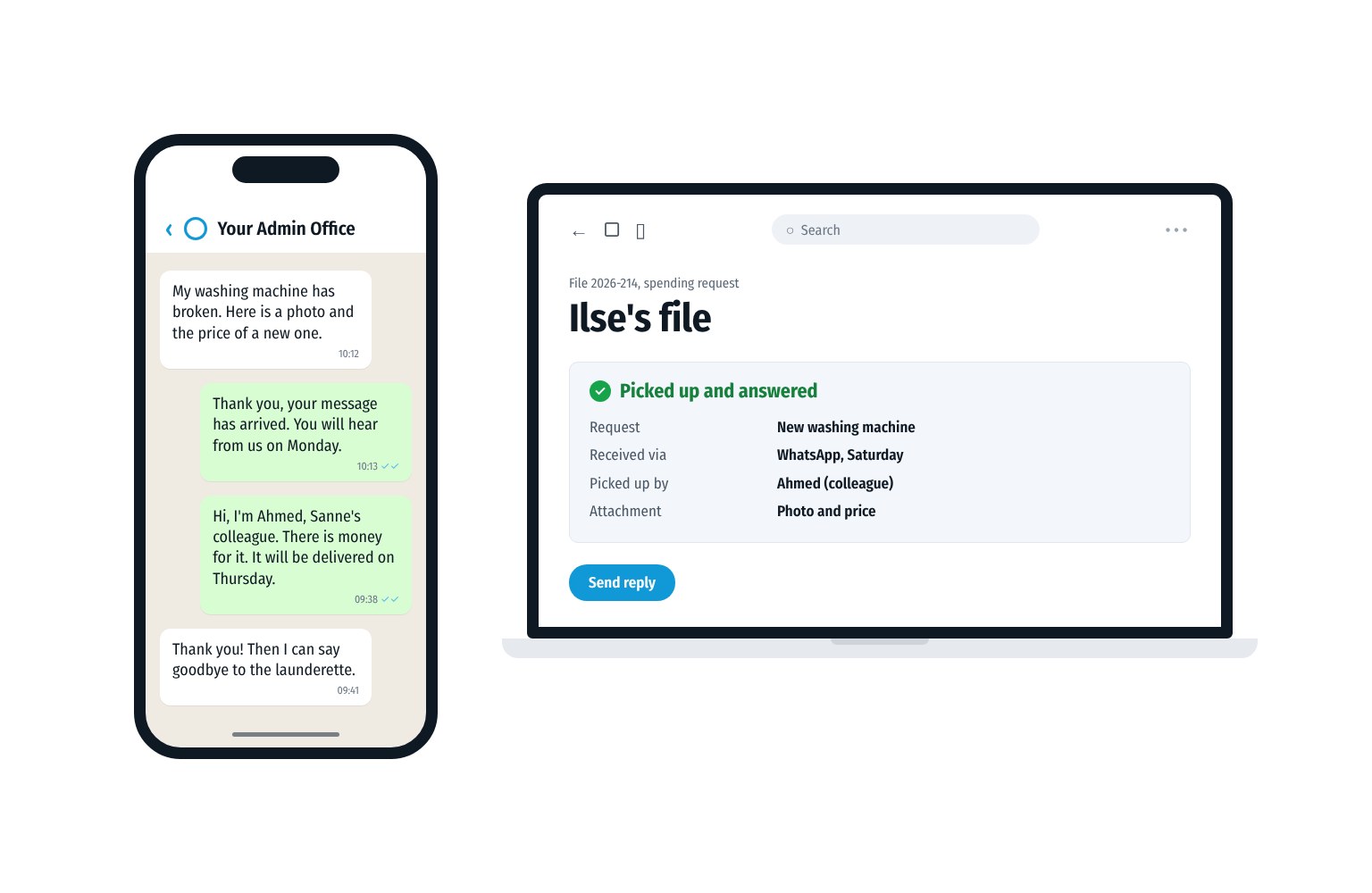
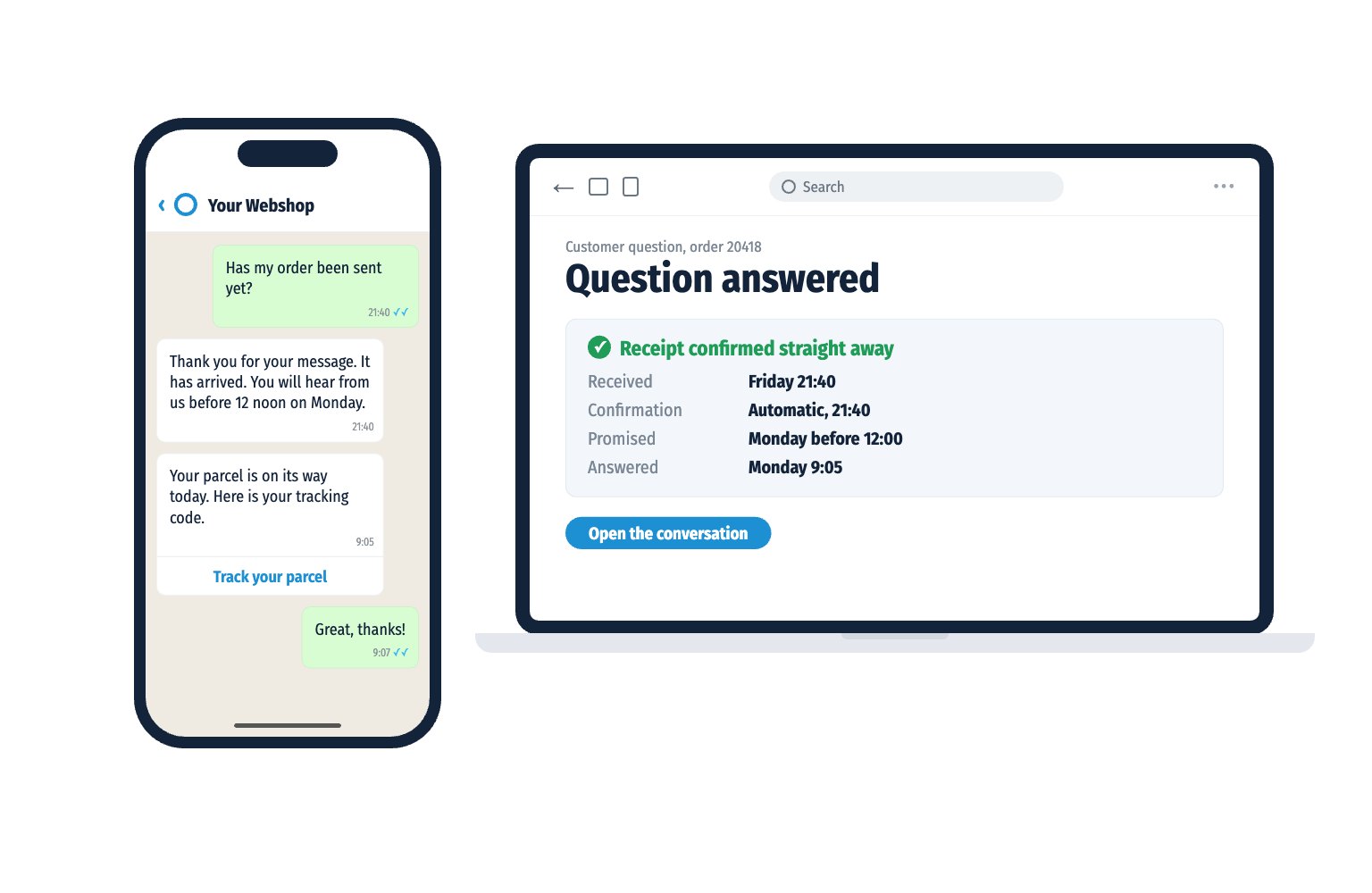
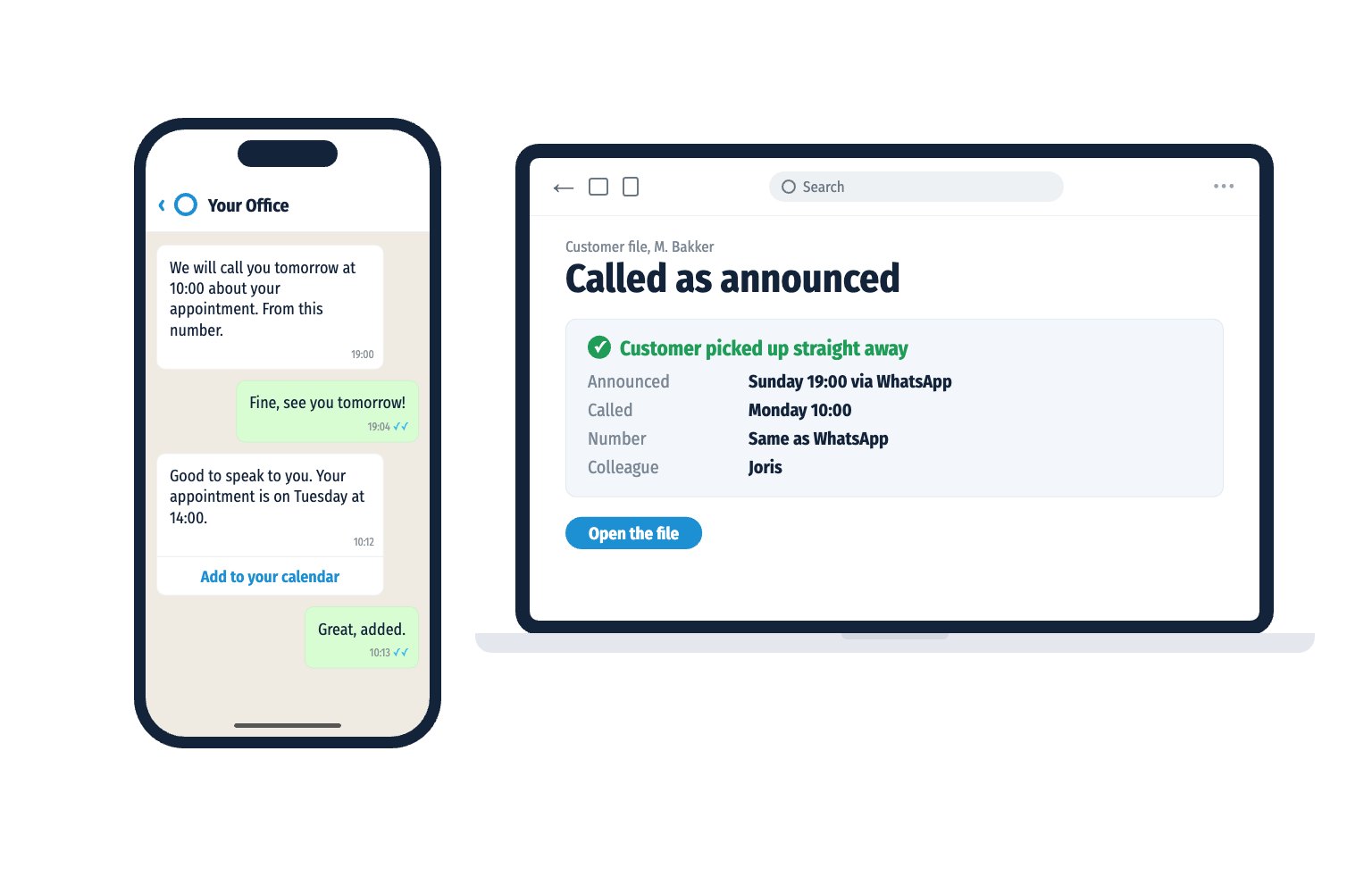
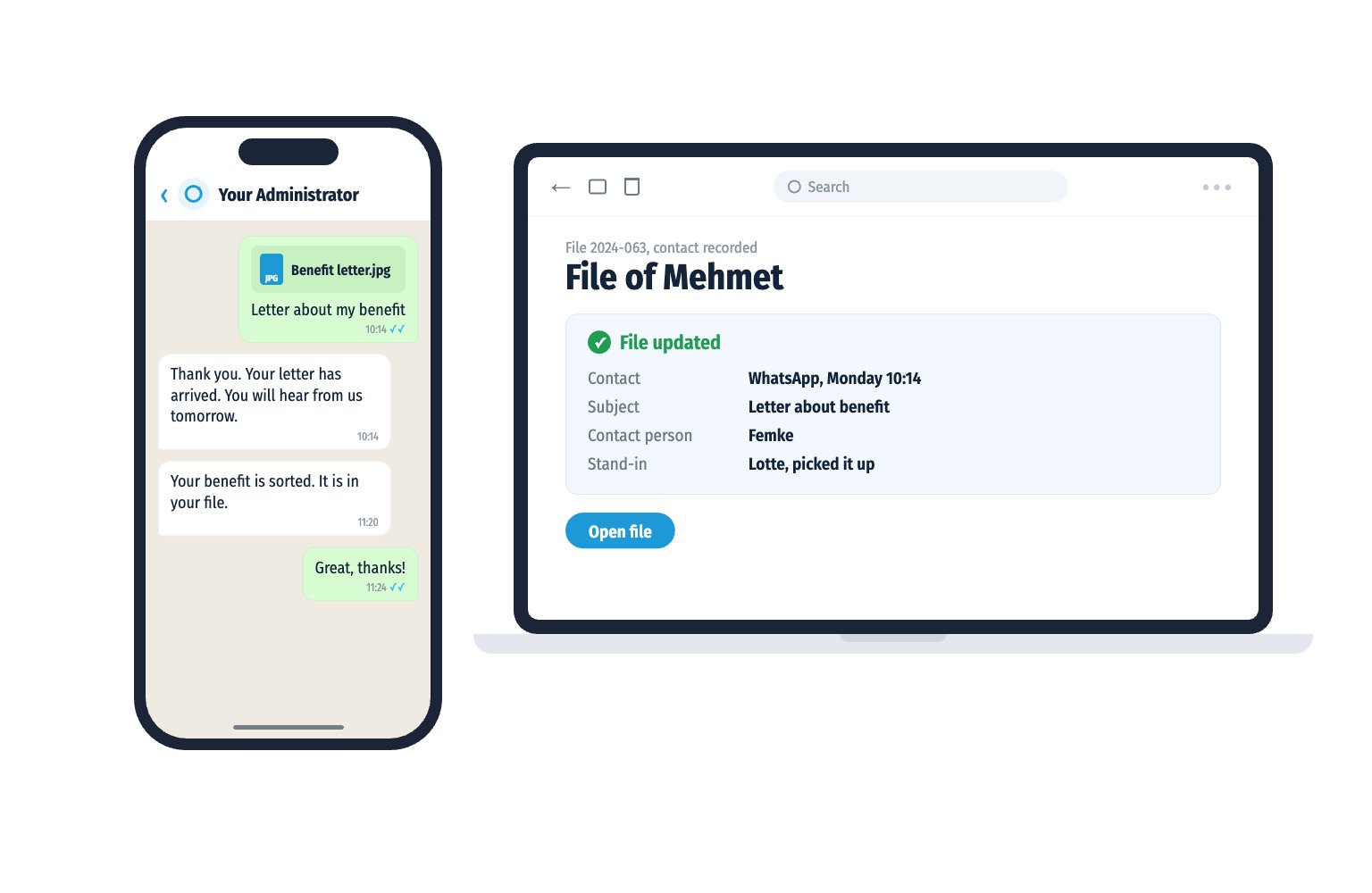
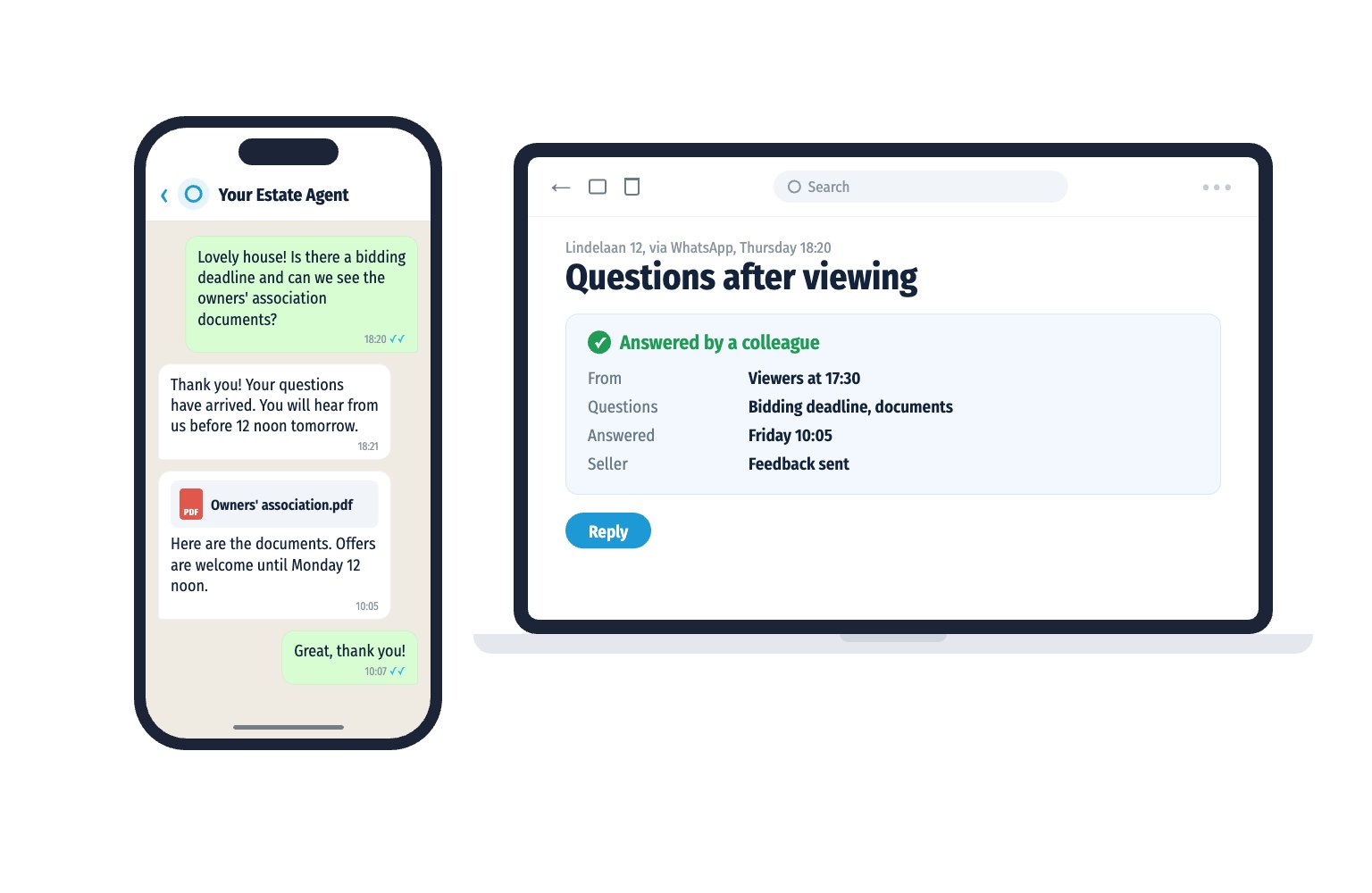


We are directly and easily accessible to our customers. Our team works optimally together with RippleCom. We can help more customers with our current team, and we have saved two FTEs.


Thousands of customers. One communication standard. No missed messages. Linked with OutSmart. One inbox. Always an answer. Always traceable. RippleCom is our central control for customer contact.
This is how retail works in 2026


Customers called us 3,500 times a month about parts. Now they WhatsApp their registration and a photo of the type plate. An answer within twenty minutes. Connected to our phone system. 75% fewer calls. And messages arrive.


Reachable for my clients. Peace of mind for me. I get everything clearly organised in my email inbox. 90% of the most frequently asked question, “Can I have extra money?”, arrives separately. Either I pick it up or my colleagues do. With RippleCom I have peace and overview.

Involving residents in sustainability requires trust. That starts with accessibility. With RippleCom, we have managed to reach 20% of the residents. Fully transparent. This is how you build support.


We are active in eleven countries and serve thousands of customers. Hundreds of conversations a day. Without central control, that would be impossible. 300% higher customer satisfaction and conversion on price calculations from 4% to 37%. RippleCom scales with us.


Orthodontics is all about planning. Every appointment counts. With RippleCom, we have control over every patient contact. Reminders and changes are linked with our system. From 47 down to 12 no-shows per month. Our schedule is accurate. Our patients attend.


Our customers expect service at the highest level. That begins with communication. Direct. Personal. Reliable. Every appointment is confirmed. Every question answered. One inbox. Always an answer. That is what premium feels like.