Realworks phone number: what reachability brings you.
Realworks phone number: what reachability brings you. As an estate…
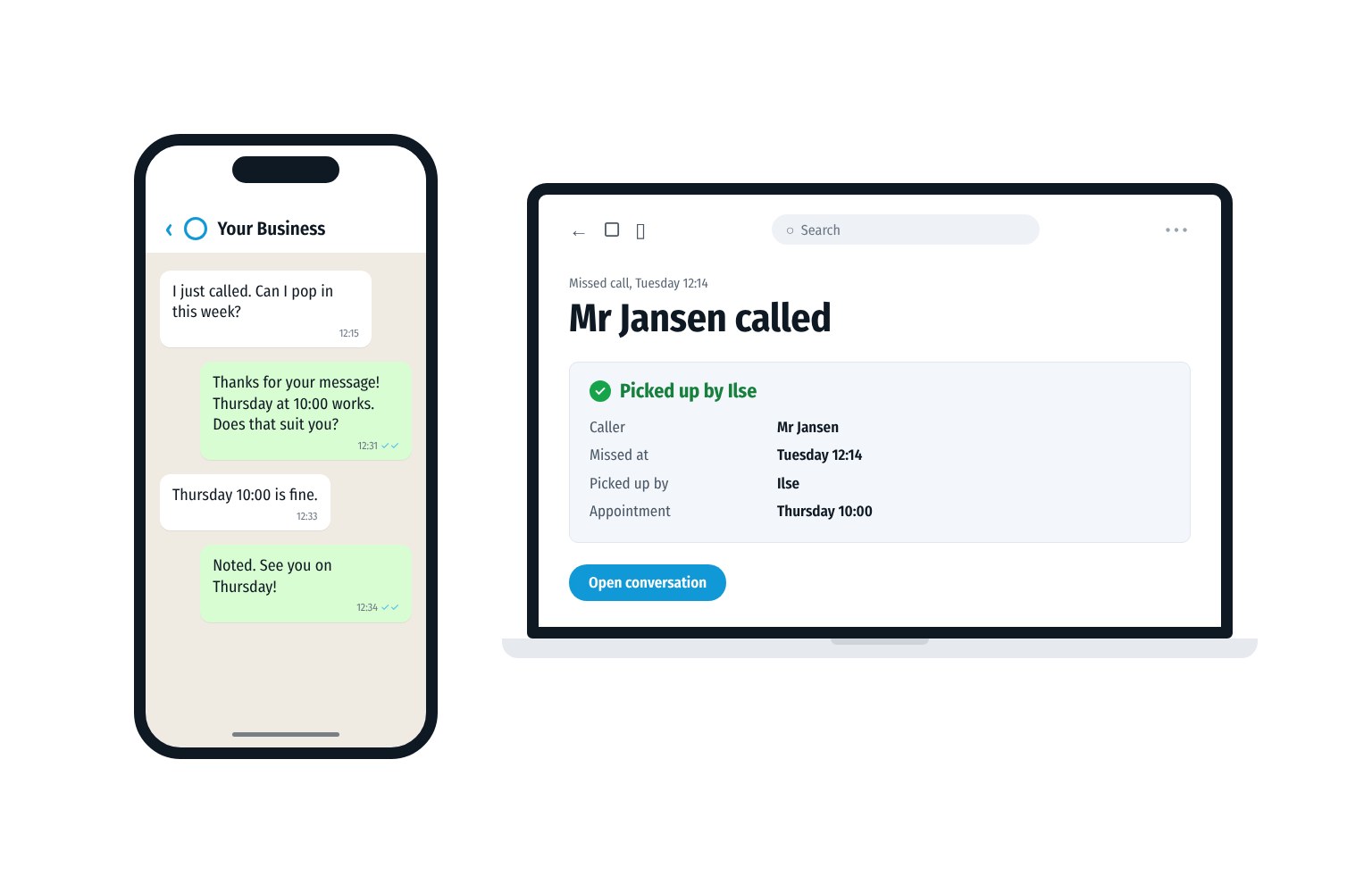
Tuesday, 12:14. You are helping a customer at the counter. Your phone buzzes in your trouser pocket. A little later, again.
Only at 17:30 do you look. Two missed calls on the business number. From a mobile number you do not know. No voicemail.
You call back from your own mobile. It rings. And rings. Then the voicemail.
He does not know your number either.
A missed call is a customer who wanted something. Call them back from the number they know.
You can view missed calls in the Phone app. On an iPhone you choose the Missed filter. In the Phone app by Google on Android you recognise them by their own icon in your list of calls.
On an iPhone with iOS 26 or later it works like this, according to Apple Support:
Do you use the classic layout? Then your calls are on the Recents tab.
On Android it works like this in the Phone app by Google, according to Google’s Help:
Does your phone use a different Phone app? Then the buttons may have different names.
Was your phone off or were you briefly unreachable? Your provider may then send you a text saying you were called. At Odido this is called Gemiste Oproep Sms (missed call text). The service is free and is part of your voicemail.
For a business a missed call is more than a line in a list. Someone called with a question. Or about an appointment, a quote or an order. What they do next, you do not know. Maybe they call again later. Maybe they call the business down the road.
What is known is how people experience waiting for help. In the Nationale Voice Monitor 2026 just over half of those surveyed (52%) name a long waiting time as the most frustrating. The research was carried out among 1,016 people, representative of Dutch people aged 18 and over.
The Netherlands Chamber of Commerce (KVK) puts it plainly. Simply not answering an unknown number is not a good idea. It may be a new customer. The same goes for a missed call from a Dutch number you do not know.
You cannot answer every call. You can call every caller back.
You call back. The customer does not answer. That may be down to the number you are calling from.
On an iPhone you can have calls from unknown numbers screened or silenced. With the Silence setting those calls are silenced and sent to voicemail. For the iPhone an unknown number is any number that is not in your contacts. This is on Apple Support. Apple advises adding important numbers to your contacts.
Customers are also advised to be careful. The Dutch Consumers’ Association (Consumentenbond) warns that fraudsters can easily imitate any phone number. The advice: hang up. If in doubt, call the official number yourself. The KVK says this about a missed call from an unknown number abroad: do not call back.
What helps:
Whether a caller leaves a message is out of your hands. What they hear is not. A good voicemail says in a few sentences:
An example: “You have reached [name of your business]. We are busy right now. Leave your name and your number. We will call you back today. You can also WhatsApp this number.”
If everyone sees the missed call, everyone can help. Agree with each other on:
Sometimes calling is not possible right away. Can your business number send messages? Then send a short message yourself from that number. For example: “You called us at 12:14. We will call you back before 15:00.”
WhatsApp has rules. According to WhatsApp’s policy a business may only contact someone on WhatsApp if that person has given their number. And if they have said that they want to receive messages from that business. A missed call on its own is therefore not permission to send a WhatsApp message. Does the customer message you on WhatsApp themselves? Then you simply reply in that conversation. On the WhatsApp Business Platform you can reply freely up to 24 hours after the customer’s last message. After that, WhatsApp only allows an approved message template. Calling or sending an SMS from the same number remains possible.
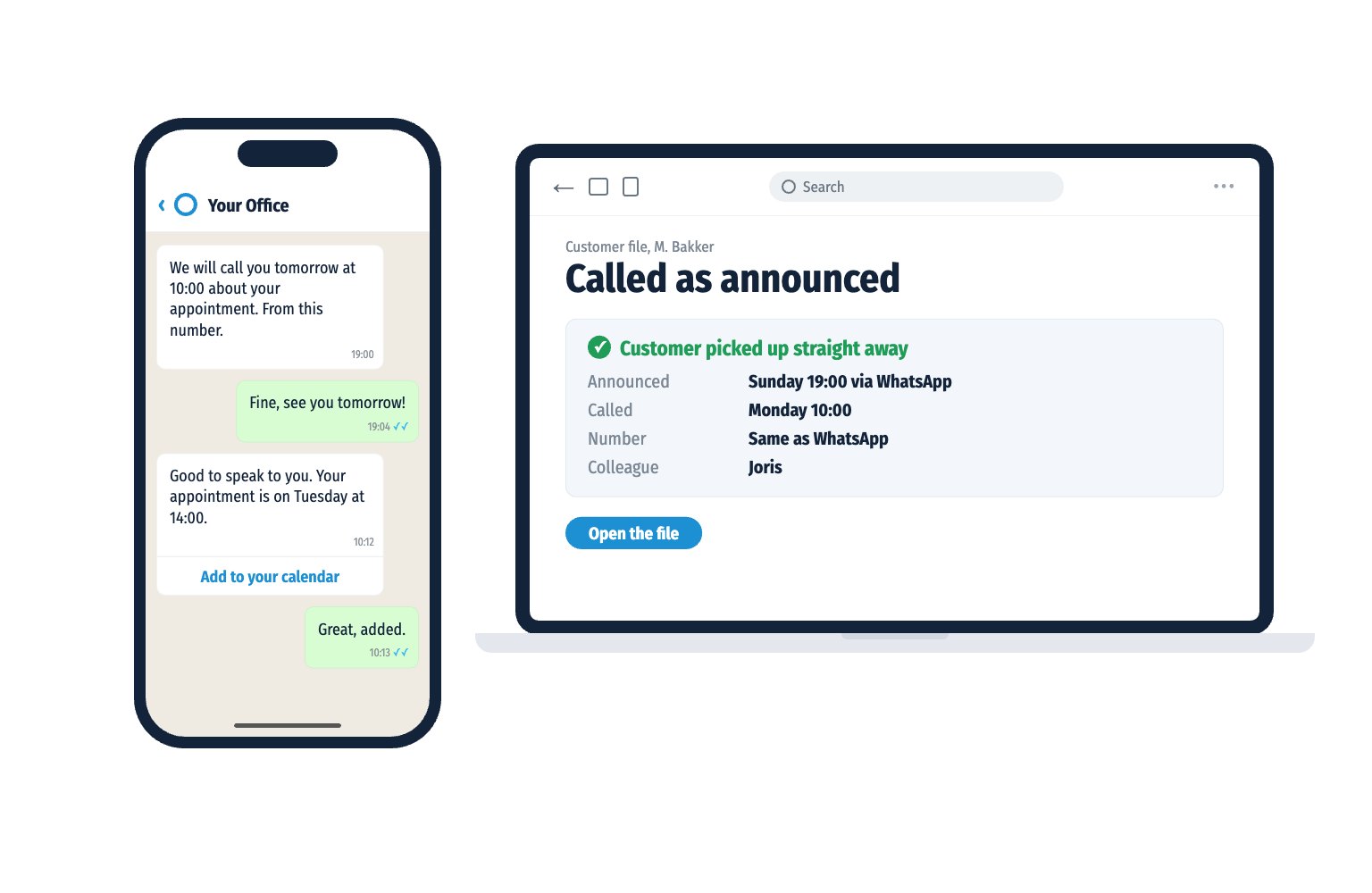
Do you work with calls, WhatsApp and SMS on one business number? Then everything comes in at the same place. Your colleagues see who called and one of them picks it up. The customer calls or messages the number they know. You call back or reply to their message from that same number.
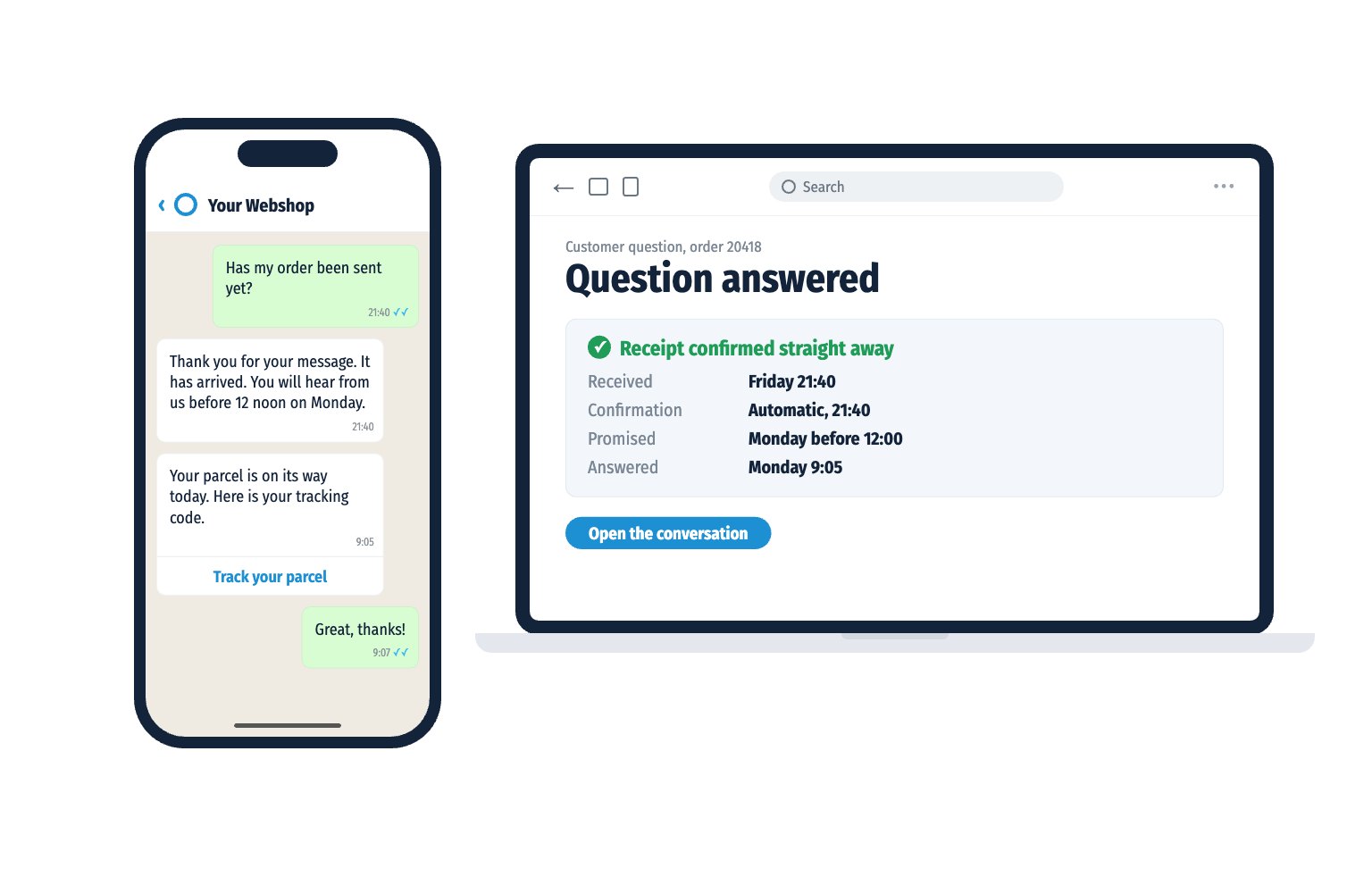
Tuesday, 12:14. Mr Jansen calls the business. You are helping a customer at the counter. A minute later he sends a WhatsApp message to the same number: “I just called. Can I pop in this week?”
Your colleague Ilse sees the missed call and his message in the business email. She replies from the email. Mr Jansen receives it as a WhatsApp message from the business number: “Thursday at 10:00 works. Does that suit you?”
“Thursday 10:00 is fine,” he replies. The conversation is in the business email. For everyone.
At 17:30 you look at your phone. Nobody to call back. Only a new appointment on Thursday.
The customer is heard. The employee simply works in their own email. The organisation earns it. So it arrives.
How does your organisation score? Take the free Communication Scan. You see where you can gain in reachability and follow-up. Your result arrives straight in WhatsApp.
Prefer to see how it works first? Book a demo.
With iOS 26 or later you open the Phone app and tap Calls at the bottom. Tap Filter in the top right and choose Missed. In the classic layout your calls are on the Recents tab.
Open the Phone app. In the Phone app by Google your calls are on the Home tab, with their own icon for missed calls. In other apps the buttons may have different names.
Your provider may send you a text when someone called you while you were briefly unreachable. At Odido this free service is called Gemiste Oproep Sms. It is part of your voicemail.
For a business owner an unknown number may well be a new customer, says the KVK. Does the missed call come from an unknown number abroad? Then the KVK advises not to call back.
Perhaps your number is not in their contacts. An iPhone can silence calls from such numbers and send them to voicemail. So call back from the business number they called themselves and that they can save in their contacts.
Agree a fixed time with your colleagues, for example the same working day. Put that time in your voicemail. Then the customer knows where they stand.
Free Communication Scan
Take the free Communication Scan. 6 questions, 1 minute, your result straight to WhatsApp.
or book a 30 minute demo