What is an 085 number? Explained for businesses
What is an 085 number, what does calling it cost…
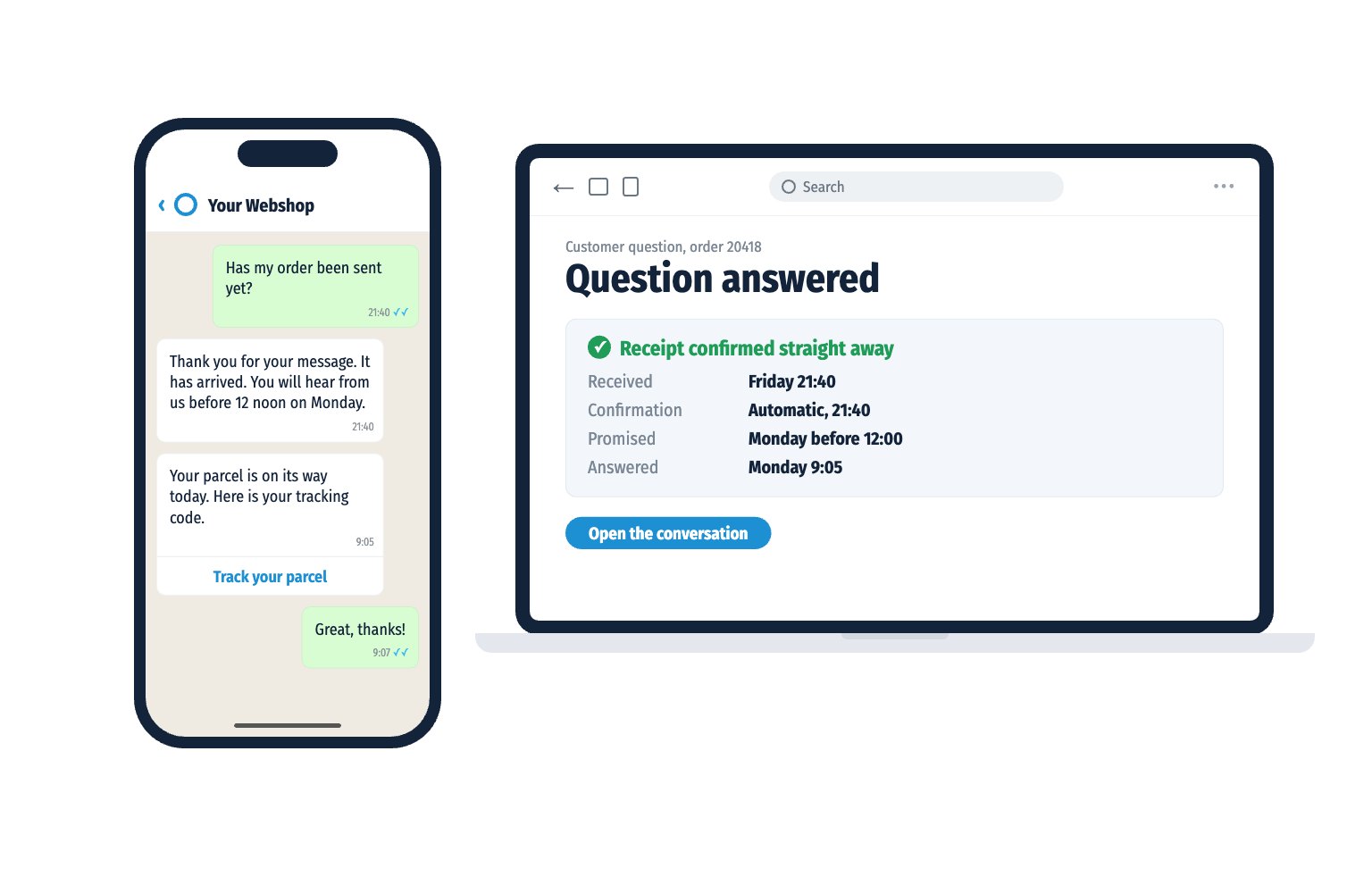
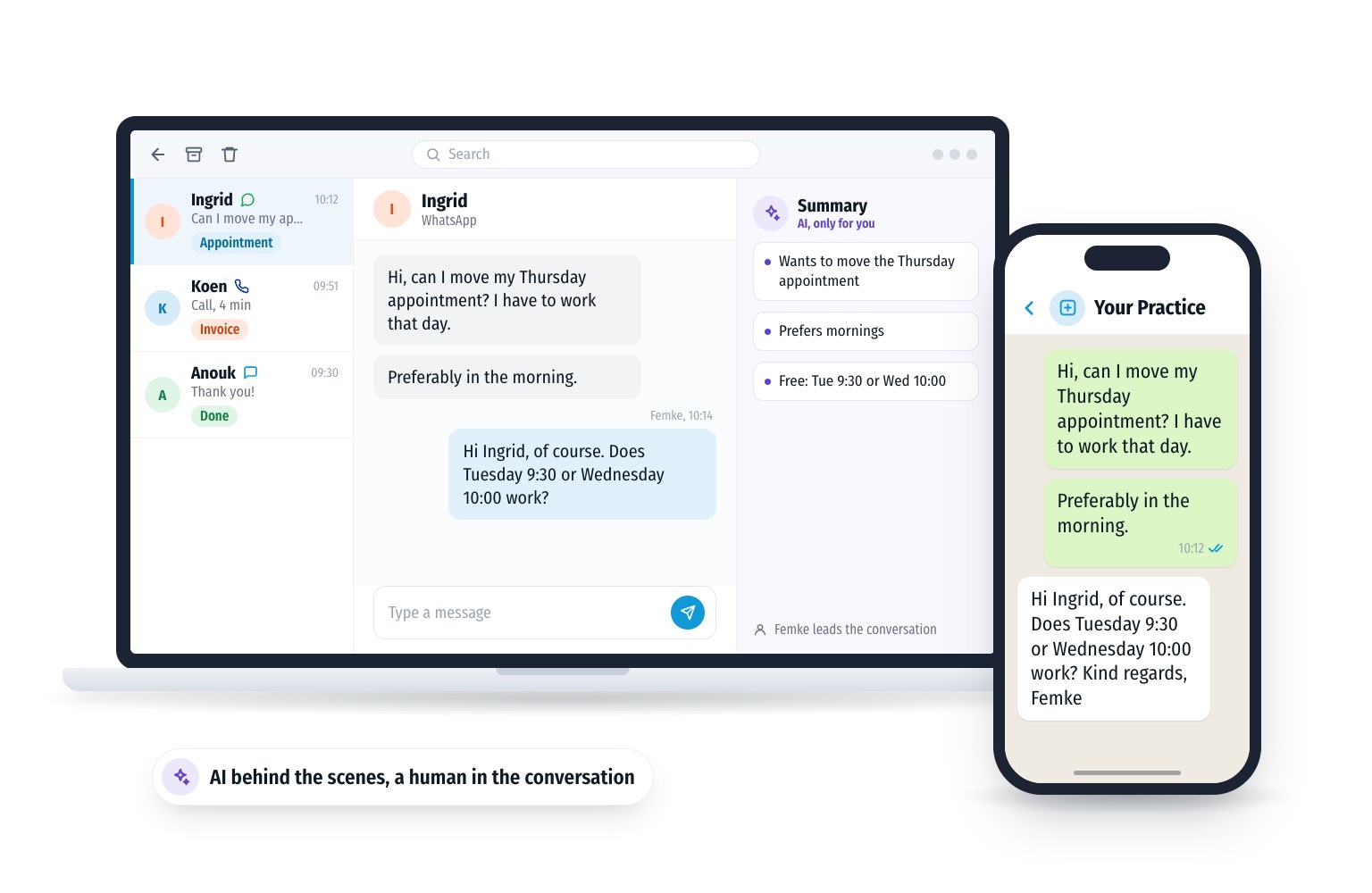
Friday 21:40. A customer messages your business: “Has my order been sent yet?”
No answer comes. On Saturday he messages again. On Sunday he calls. Nobody picks up.
On Monday at 8:30 you see three messages from the same customer. He only wanted to know whether anyone had seen his question.
A question without an answer feels like a question that never arrived.
Yes, with WhatsApp Business. This free app for businesses has three messaging tools.
Regular WhatsApp for personal use has no automatic reply. Read the difference in Disadvantages of WhatsApp Business.
You set up a greeting message in the same place.
That is not possible. Regular WhatsApp has no away message. Apps that promise it anyway are not official WhatsApp. WhatsApp does not allow unofficial apps and can then temporarily or permanently block your account.
Want to reply automatically? Then use WhatsApp Business on a separate business number.
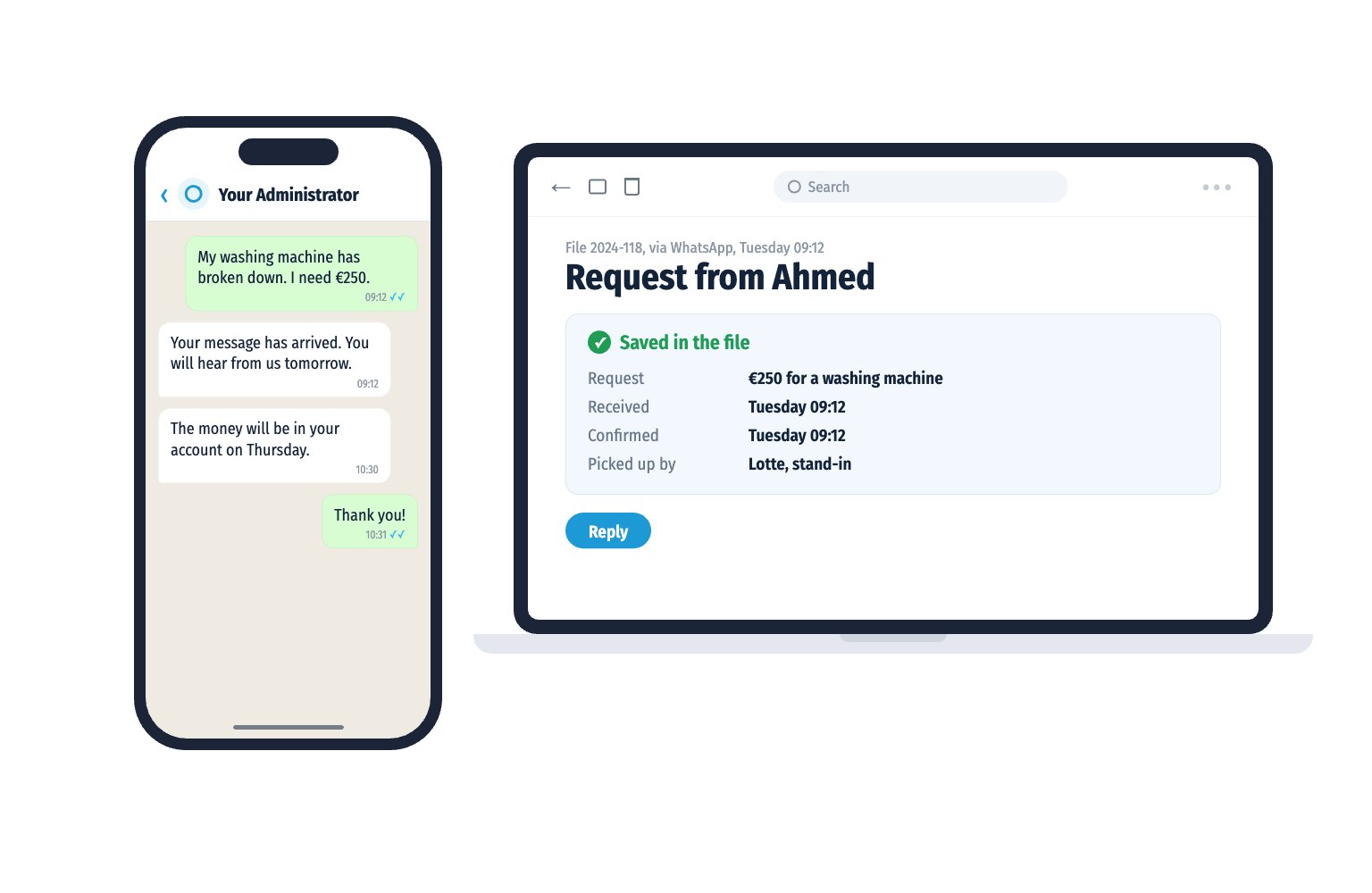
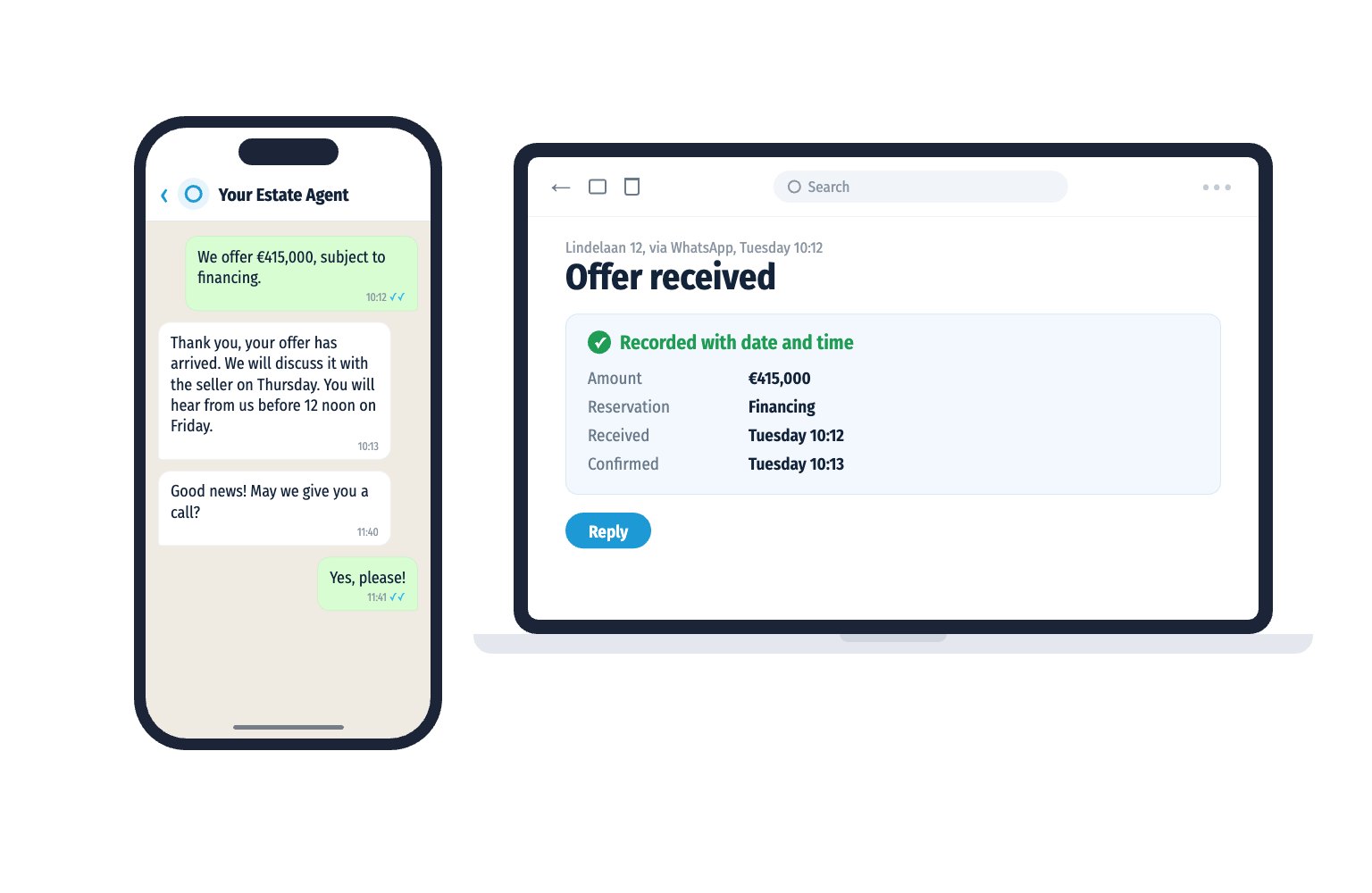
A good automatic reply does three things. It says the message has arrived. It names a moment. And it says what the customer can do if it really cannot wait.
Outside opening hours
“Thank you for your message. It has arrived. We are back on Monday from 8:30. You will hear from us before 12 noon.”
Holiday
“Thank you for your message. We are on holiday until 14 August. You will hear from us on 15 August. Is it urgent? Then call our office.”
Busy
“Thank you! Your message has arrived. It is busy right now. You will hear from us before 17:00 today.”
After a question or request
“Thank you. Your question has arrived. A colleague will pick it up. You will hear from us within two working days.”
WhatsApp Business runs on one phone and up to four linked devices. The away message applies to the whole number. In the regular app you cannot see who picks up the question afterwards.
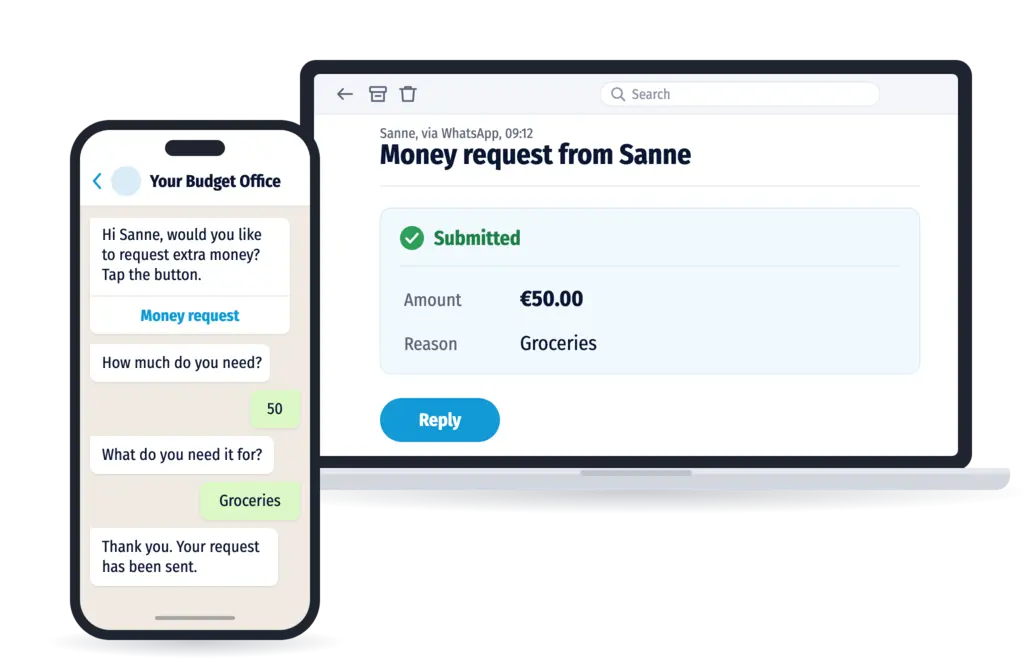
For teams there is the WhatsApp Business Platform, also called the API. With it you send an automatic reply from your own inbox or system. For example a confirmation with a moment, or a question back: “What is it about?” The answer arrives with the right colleague.
Within 24 hours of your customer’s last message you may reply freely. After that only with a pre-approved template.
In the WhatsApp Business app nothing. The app is free.
Via the platform you pay per message. Since 1 October 2026 Meta also charges for replies within 24 hours. Each number gets 1,000 of these free per month. After that a reply to a Dutch number costs €0.0414 (Meta rate, excl. VAT).
Friday 21:40. A customer messages: “Has my order been sent yet?”
21:40: “Thank you for your message. It has arrived. You will hear from us before 12 noon on Monday.”
He puts his phone away.
Monday 9:05: “Your parcel is on its way today. Here is your tracking code.”
He sends back a thumbs up.
At the office the message was already waiting in the email on Monday morning. A colleague looked up the order and replied.
The customer is heard. The employee simply works in their own email. The organisation earns it. So it arrives.
How does your organisation score? Take the free Communication Scan. In one minute you see where you can gain in reachability, appointments and follow-up. Your result arrives straight in WhatsApp.
Prefer to see how it works first? Book a demo.
Yes, in WhatsApp Business. This free app has an away message and a greeting message that are sent automatically. Regular WhatsApp for personal use does not have this feature.
Go to the settings, open the business tools and choose Away message. Switch it on, write your text and choose when it is sent and to whom. Then save.
No. Regular WhatsApp has no automatic reply. Apps that promise it are not official. WhatsApp can then temporarily or permanently block your account.
A greeting message goes to customers who message you for the first time. An away message goes to customers who message you when you are not there, for example outside your opening hours.
Confirm the message has arrived, name a moment when the customer will get an answer and offer a route for urgent matters. Keep it to two or three sentences.
Not in the WhatsApp Business app. Via the WhatsApp Business Platform you pay per message. Each number gets 1,000 replies within 24 hours free per month. After that Meta charges €0.0414 per reply to a Dutch number, excl. VAT.
Free Communication Scan
Take the free Communication Scan. 6 questions, 1 minute, your result straight to WhatsApp.
or book a 30 minute demo