WhatsApp and WhatsApp Business look alike. Both free. Both from Meta. Yet they are two different apps.
WhatsApp is for private use. WhatsApp Business is made for small businesses. With a business profile, lists and messaging tools.
In this article you first read the difference. Then the disadvantages of WhatsApp Business you need to know. And when you are better off choosing a professional solution. Want to know what WhatsApp for business costs and how to work as a team on one number? Then read WhatsApp for business: app, costs and team use.
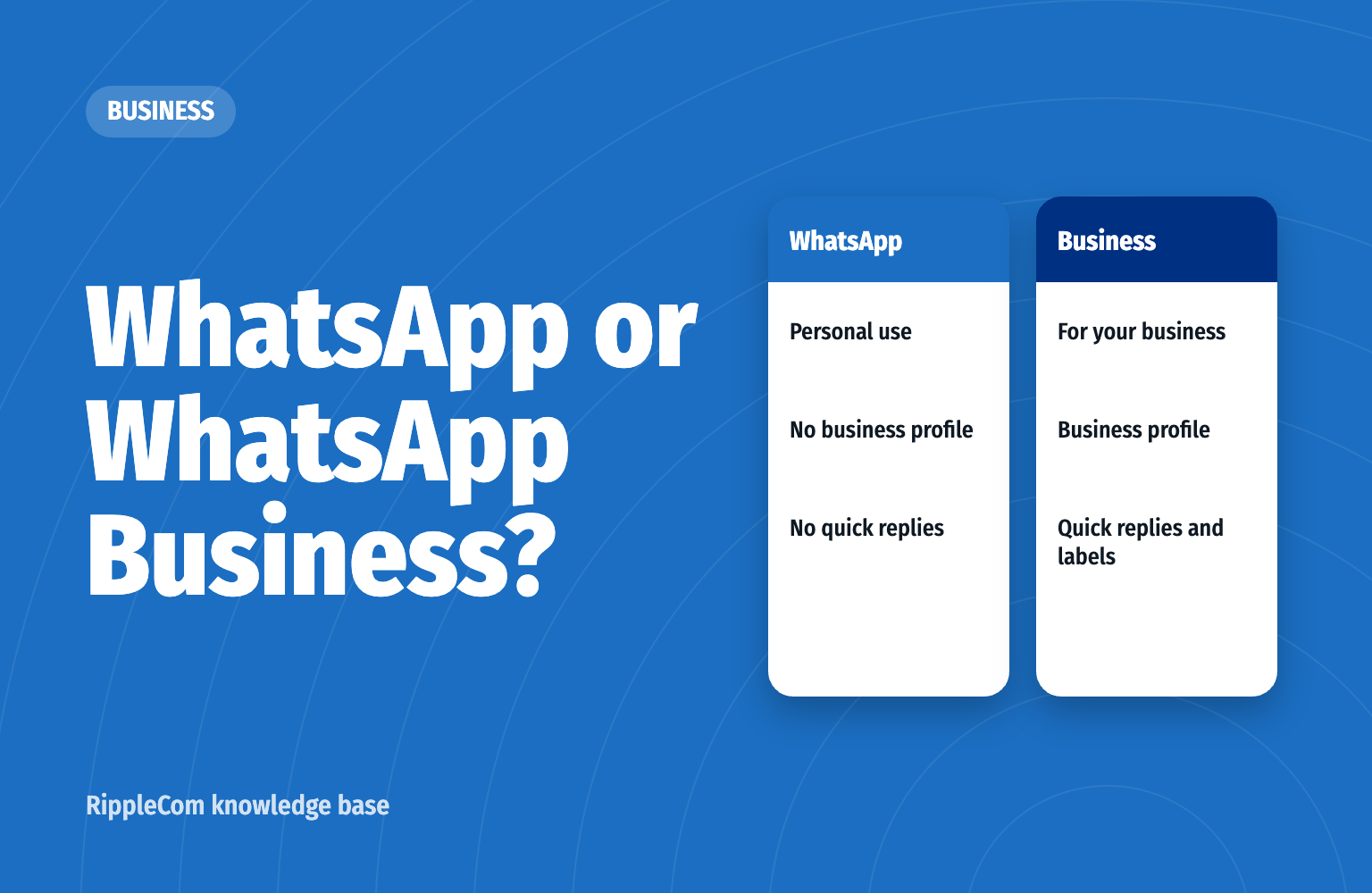
WhatsApp is the free app for private use. WhatsApp Business is a separate free app for owners of small businesses. You chat with it in the same way. You get extra tools: a business profile, lists to organise chats and messaging tools to reply quickly. You can also register a landline number with it.
| WhatsApp Business | ||
|---|---|---|
| Who it is for | Private use | Owners of small businesses |
| Cost | Free | Free |
| Business profile with address, email and website | No | Yes |
| Greeting message, away message and quick replies | No | Yes |
| Catalogue of products or services | No | Yes |
| Devices | One phone and four linked devices | One phone and four linked devices |
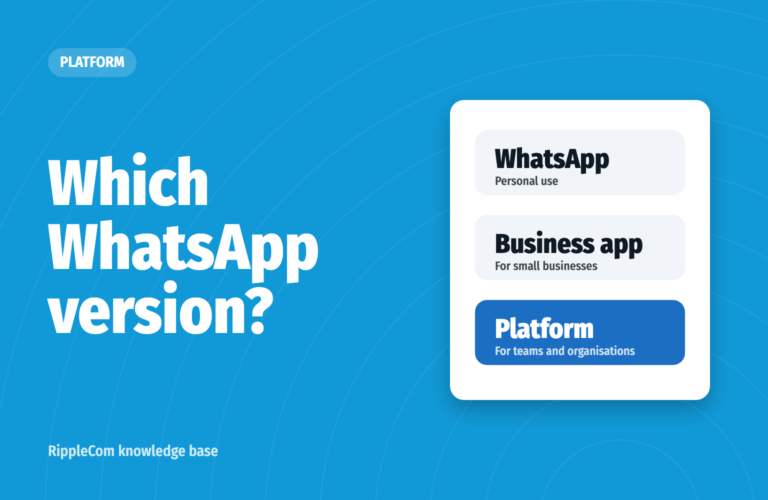
For medium-sized and large organisations there is a third variant: the WhatsApp Business Platform, also called the API. With it, several staff members work from one overview. And you connect WhatsApp to your own systems. You pay per message. Do you work as a team on one number? Then this variant fits. RippleCom works this way, on any device. You can read more about it further on.
Yes, if you have two different phone numbers. For example with two SIM cards, or a SIM card and an eSIM. You cannot use the same number in both apps at the same time. Switching between the apps is possible.
You can move your existing number to WhatsApp Business. The app recognises your number and asks for access to your chat history and media. That way you take your chats with you. Contacts you have only saved in WhatsApp will be lost. Save them in your phone’s address book first. And make a backup beforehand.
For a sole trader, WhatsApp Business is often enough. If you work as a team, you run into the disadvantages.
The biggest disadvantage of WhatsApp Business is scalability. The app is designed for sole traders and small business owners. You use one phone and up to four linked devices.
That sounds workable. In practice it is not.
As soon as several staff members have customer conversations at the same time, chaos follows.
There is no assignment. No internal notes. No overview.
For a freelancer, WhatsApp Business is fine. For an organisation with a team, it is a communication risk.
WhatsApp Business offers no overview. Every conversation sits on the device of the staff member having it. There is no central overview of who communicated what to which customer.
Imagine this: staff member Henk talks to customers every day via his own phone. He makes agreements. He promises delivery times. He gives discounts. All via WhatsApp Business on his private device.
Then Henk leaves…
All customer conversations are gone. Every agreement Henk made is untraceable. His manager Piet is left empty-handed. Piet is ultimately responsible. He just does not know for what.
Every organisation that uses WhatsApp Business without central control runs this risk.
WhatsApp Business seems secure. There is end-to-end encryption. The messages are encrypted. That is true, also in the business app. For business use, the problem lies elsewhere.
The app runs on the staff member’s private device. That means customer data is on a personal device. Without control by the employer. Without the option to wipe data when the staff member leaves. Without insight into what is being communicated.
Under the GDPR, the employer is the controller. Not the staff member. If customer data is on a private device without a data processing agreement, without a DPIA and without oversight, that is a compliance problem.
Organisations in healthcare, government and financial services run an extra risk here. Additional requirements for data processing and archiving apply in these sectors.
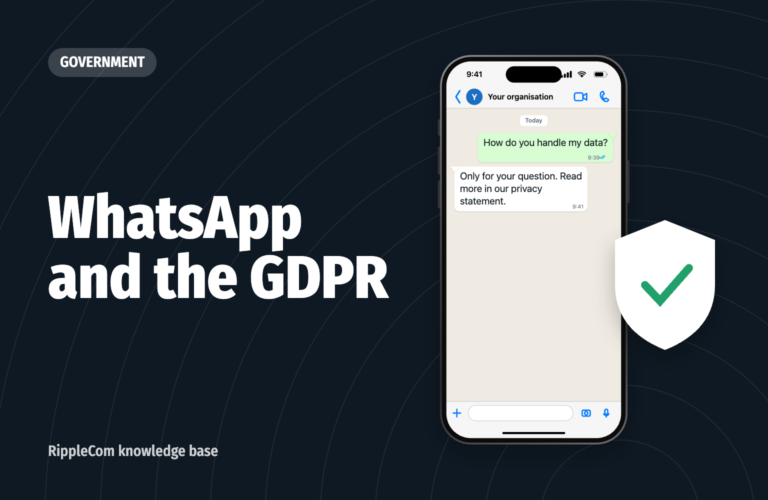
Want to know more about WhatsApp and privacy? Read the article on WhatsApp and the GDPR.
WhatsApp Business offers three messaging tools: a greeting message, an away message and quick replies.
There are no automated reminders. No automatic follow-up. No connection to your CRM or planning. Anything you want to send beyond those three standard messages has to be done by hand.
For an organisation with dozens or hundreds of customer contacts a day, that is unsustainable. Following up by hand means messages are forgotten. Appointments are not confirmed. Opportunities are missed.
WhatsApp Business is an island. It does not connect to your CRM. It does not connect to your planning. It does not connect to your phone system. It does not connect to your email. Every interaction via WhatsApp Business is separate from the rest of your operations.
That means double work. Staff copy information from WhatsApp into the CRM. Or they do not and the information disappears. Context is lost. Customers have to tell their story again.
The WhatsApp Business API partly solves this. It does offer integration options. The API does require technical knowledge or a partner. And it works with a different cost model: you pay per message. It is a different category from the free app.
WhatsApp also offers a calling feature. For consumers that is handy: free calls over the internet. For organisations there are serious disadvantages.
Calls via WhatsApp are not logged. There is no call log in a central system. No connection to your phone system. No way to listen back or check quality.
On top of that, sound quality depends on the internet connection. With an unstable connection the call drops or the quality is not good enough for professional use.
Calling via WhatsApp also offers no routing. You cannot transfer an incoming call to the right staff member. There is no queue. No menu. No overflow to another team.
For organisations that take being reachable seriously, WhatsApp calling is no alternative to business telephony.
The core of the problem is simple. WhatsApp Business is built for individual use. The moment more than one person has customer contact via WhatsApp, you run into limitations.
There is no assignment of conversations to team members. You can organise chats in lists. You cannot see who picks up a conversation. No internal communication within a customer conversation. No handover of a conversation to a colleague with the context kept.
Teams that work together in WhatsApp Business use workarounds. Forwarding screenshots. Discussing things verbally. Summarising conversations in email. That takes time. It makes mistakes unavoidable. And it leads to a worse customer experience.
Organisations that want control over their WhatsApp communication switch to the WhatsApp Business API combined with a professional overview. With it, several staff members work together from one business number. Every conversation is visible. Every interaction is traceable. And the customer notices nothing, except that the service gets better.
The results speak for themselves:
Many organisations confuse the free WhatsApp Business app with the WhatsApp Business API (also called the WhatsApp Business Platform). They are fundamentally different products.
The free app is meant for sole traders and small businesses. One account. One phone and up to four linked devices. Limited automation. No integrations. No compliance documentation.
The WhatsApp Business API is meant for organisations. Several staff members via one overview. Full automation. Integration with CRM, planning and telephony. GDPR arrangements in a data processing agreement. Professional support.
RippleCom works exclusively via Meta’s WhatsApp Cloud API. Meta has ISO 27001 and SOC 2 reports for it. RippleCom itself stores data with AWS in Frankfurt (EU). Standard Contractual Clauses apply to data transfers. No consumer app on private devices.
You can read what the app and the platform cost and how to set them up in WhatsApp for business: app, costs and team use.
WhatsApp Business is a good starting point for sole traders who want personal contact with customers. It is free, familiar and quick to set up.
It is not enough once your organisation grows. Specifically when more than one person has customer contact via WhatsApp, when you are required to archive or account for communication, when you want to automate (reminders, follow-up, campaigns) or when you want to integrate WhatsApp with your existing systems.
At that point it is time for one business number for calls, WhatsApp and SMS.
Calls, WhatsApp and SMS in one place. With control, overview and records. So it arrives.
What is the difference between WhatsApp and WhatsApp Business?
WhatsApp is the free app for private use. WhatsApp Business is a separate free app for small businesses, with a business profile, lists to organise chats and messaging tools such as a greeting message, an away message and quick replies. You cannot use the same number in both apps at the same time.
Can you use WhatsApp and WhatsApp Business on one phone?
Yes, with two different phone numbers. You cannot use the same number in both apps at the same time. Switching between the apps is possible.
Do I take my chats with me to WhatsApp Business?
Yes. When you switch, WhatsApp Business asks for access to your chat history and media. Contacts you have only saved in WhatsApp will be lost. Save them in your phone’s address book first.
What are the main disadvantages of WhatsApp Business?
The main disadvantages are the lack of team collaboration, limited automation, no integration with CRM or planning and GDPR risks because customer data is on staff members’ private devices. WhatsApp Business is built for individual use, not for organisations with several staff members.
Is WhatsApp Business GDPR-compliant?
The app itself offers encryption. The problem lies in how it is used. Customer data is on the staff member’s private device, without a data processing agreement and without oversight by the employer. For organisations in healthcare, government or the financial sector, that is a compliance risk. A professional solution via the WhatsApp Cloud API does offer the necessary documentation and safeguards.
Can I work with several staff members in WhatsApp Business?
To a limited extent. You use one phone and up to four linked devices. There is no assignment of conversations, no internal notes and no central overview. For teams with daily customer contact, the WhatsApp Business API with one overview is the professional solution.
What is the difference between WhatsApp Business and the WhatsApp Business API?
WhatsApp Business is a free app for sole traders. The WhatsApp Business API (or Platform) is meant for organisations. It offers several users in one overview, automation and integrations. For the connection you usually work with a partner.
What are the disadvantages of calling via WhatsApp for businesses?
WhatsApp calls are not logged centrally. There is no connection to your phone system, no routing to the right staff member, no queue and no call logging. Sound quality depends on the internet connection. For professional use, business telephony is more reliable.
What does WhatsApp Business cost?
The WhatsApp Business app is free. On the WhatsApp Business Platform (the API) you have paid per message since 1 July 2025. Since 1 October 2026 you also pay for ordinary replies to customers. The first 1,000 of those are free, per business number per month (Meta’s prices). With RippleCom you start from €149 per month with an annual contract, excluding VAT. Replies above the 1,000 free ones cost Meta’s rate, with no mark-up. You can read more about the costs in WhatsApp for business: app, costs and team use.
How do I avoid the disadvantages of WhatsApp Business?
By switching from the free app to a professional solution via the WhatsApp Cloud API. With it you work with several staff members in one overview, automate reminders and follow-up, integrate with existing systems and have full control over customer communication. Take the communication scan to see where your organisation stands.
Free Communication Scan
Take the free Communication Scan. 6 questions, 1 minute, your result straight to WhatsApp.
or book a 30 minute demo

We are directly and easily accessible to our customers. Our team works optimally together with RippleCom. We can help more customers with our current team, and we have saved two FTEs.


Thousands of customers. One communication standard. No missed messages. Linked with OutSmart. One inbox. Always an answer. Always traceable. RippleCom is our central control for customer contact.
This is how retail works in 2026


Customers called us 3,500 times a month about parts. Now they WhatsApp their registration and a photo of the type plate. An answer within twenty minutes. Connected to our phone system. 75% fewer calls. And messages arrive.

Reachable for my clients. Peace of mind for me. I get everything clearly organised in my email inbox. 90% of the most frequently asked question, “Can I have extra money?”, arrives separately. Either I pick it up or my colleagues do. With RippleCom I have peace and overview.

Involving residents in sustainability requires trust. That starts with accessibility. With RippleCom, we have managed to reach 20% of the residents. Fully transparent. This is how you build support.


We are active in eleven countries and serve thousands of customers. Hundreds of conversations a day. Without central control, that would be impossible. 300% higher customer satisfaction and conversion on price calculations from 4% to 37%. RippleCom scales with us.


Orthodontics is all about planning. Every appointment counts. With RippleCom, we have control over every patient contact. Reminders and changes are linked with our system. From 47 down to 12 no-shows per month. Our schedule is accurate. Our patients attend.


Our customers expect service at the highest level. That begins with communication. Direct. Personal. Reliable. Every appointment is confirmed. Every question answered. One inbox. Always an answer. That is what premium feels like.