Friday afternoon. A customer messages something complicated. Sander does not know how to reply. Screenshot. Into the group chat. “What would you say here?”
Three colleagues respond. One of them does not even know the customer.
Your customer messages your business. Not an individual employee.
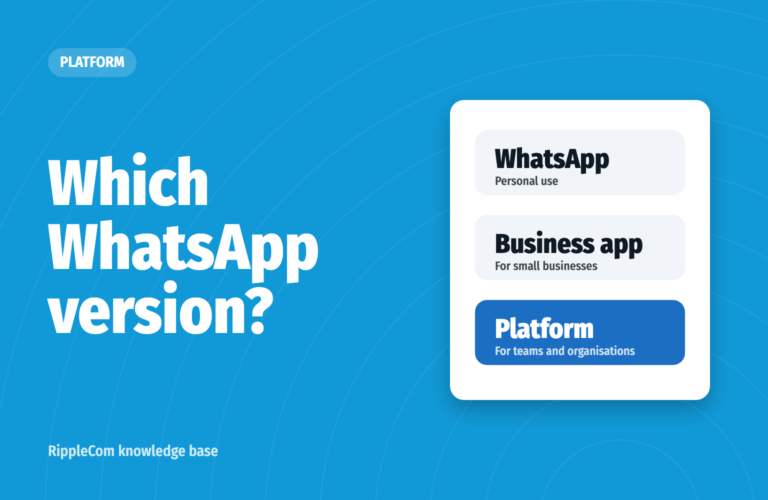
WhatsApp for business means using WhatsApp for contact with customers, on a number that belongs to your business. Meta offers two official ways to do this.
Regular WhatsApp is meant for personal use. Read about the difference in Disadvantages of WhatsApp Business.
In the Netherlands WhatsApp at work is very common. Quinyx researched this in 2024. Three quarters of frontline staff in hospitality, retail and logistics call WhatsApp their most important tool for work (Accountant.nl).
You can also use WhatsApp Business on your computer. In your browser via WhatsApp Web, or with the app for Windows and Mac.
After that, your computer keeps working even when your phone is off. If you do not use your phone for more than 14 days, your linked devices are logged out. Read more in WhatsApp Business on your PC.
Use a number that belongs to your business. Not an employee’s mobile number. Then the number stays with your business, even when a colleague leaves.
Do you have two numbers? For example two SIM cards, a SIM card and an eSIM, or a landline number for your business. Then you can use WhatsApp and WhatsApp Business side by side on one phone. Each with its own number. Your personal chats and your customer conversations stay separate. Read more in Business and private WhatsApp.
The app works on one phone and up to four linked devices. These can also be other phones. Colleagues can read and reply too. Everyone sees the same chats. In the free app you cannot see who picks up a question.
With Meta Verified, a paid subscription from Meta, up to ten devices and employees can take part. Meta is now bringing this into Meta One. Check in the app what is available for your business.
Working with a larger team? Then the WhatsApp Business Platform is a better fit. Your team works from one inbox on your business number. A question goes to the right colleague. A colleague takes over a conversation and sees the whole history.
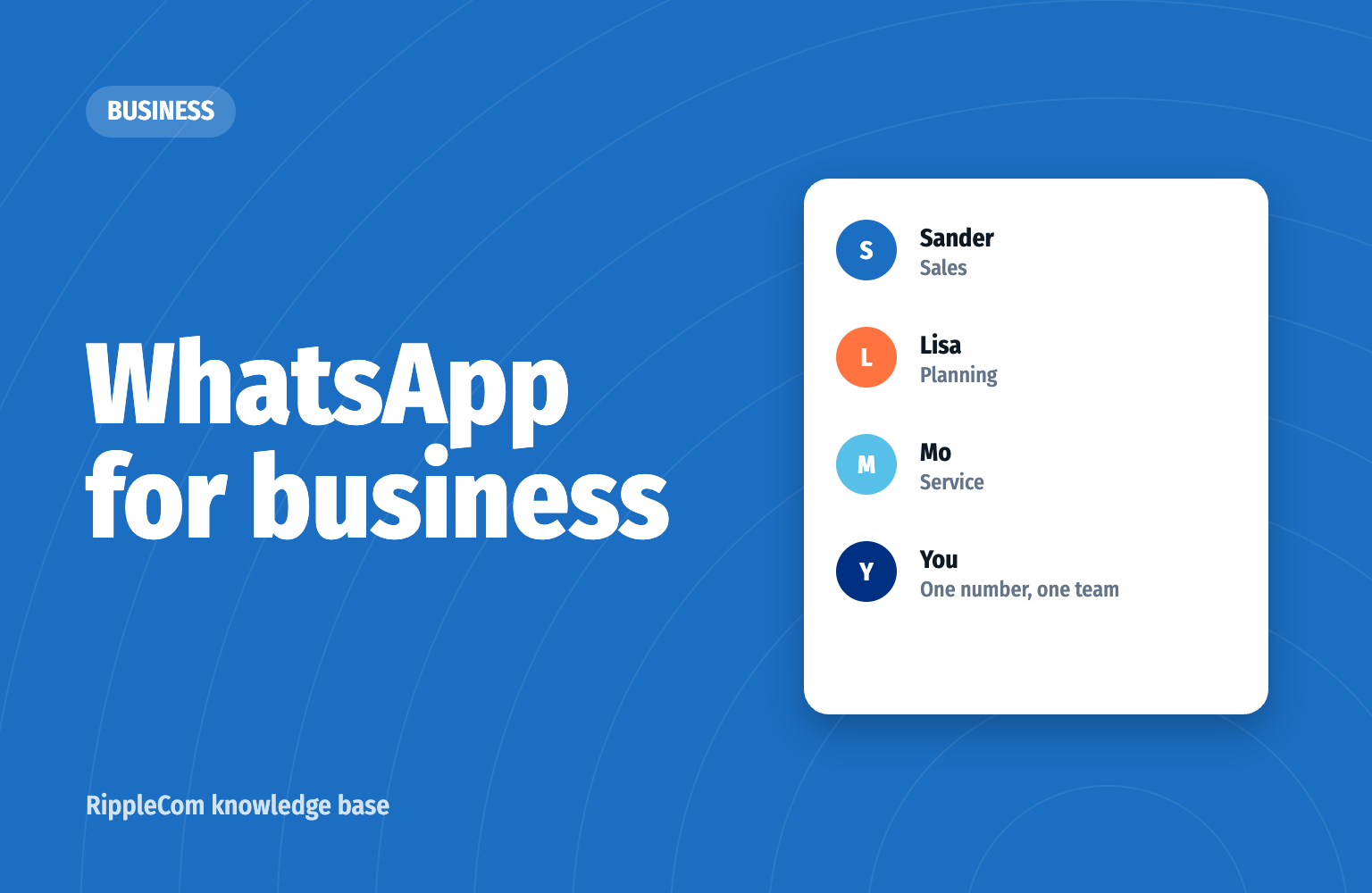
Your customer calls, messages or texts the same number. Your team sees everything in one place. When the conversations are on your business number, they stay with your business. Even when a colleague leaves.
The WhatsApp Business app is free.
With the WhatsApp Business Platform you pay Meta per message. You pay per message for messages you start, such as a reminder or a newsletter. Since 1 October 2026 you also pay for your replies within 24 hours, from the 1,001st reply per number per month (Meta). The first 1,000 per number each month are free (Meta). On top of that you pay for the software your team works with.
| WhatsApp Business app | WhatsApp Business Platform | |
|---|---|---|
| For whom | Small business owners | Teams and organisations |
| Costs | Free | Per message, plus software |
| Colleagues | One phone and four linked devices | As many as your software allows |
| Automatic | Greeting message and away message | Confirmations, reminders and your own steps |
| Integrations | Not with your own systems | With your calendar, CRM or email |
| After 24 hours | Message freely | Only with an approved template |
Customer conversations contain personal data. Your business is responsible for it. Does an employee message customers from their own phone? Then your business is, as a rule, responsible too. That calls for agreements and measures. Do you work in healthcare or in financial or legal services? Then stricter requirements apply.
With the WhatsApp Business Platform the conversations stay with your business. You can have messages stored in the EU. Read more in WhatsApp and GDPR / UK GDPR.
OrthoEuregio sends reminders via WhatsApp and has 75% fewer no-shows. Hardhout Discount helps customers in eleven countries from one inbox. The result: 300% higher customer satisfaction and conversion on price calculations rising from 4% to 37%. The municipality of Borne reached 20% of its residents in a sustainability project. At Profez Bewindvoerders, WhatsApp messages from clients arrive in the financial administrator’s email. Read more about financial administration.
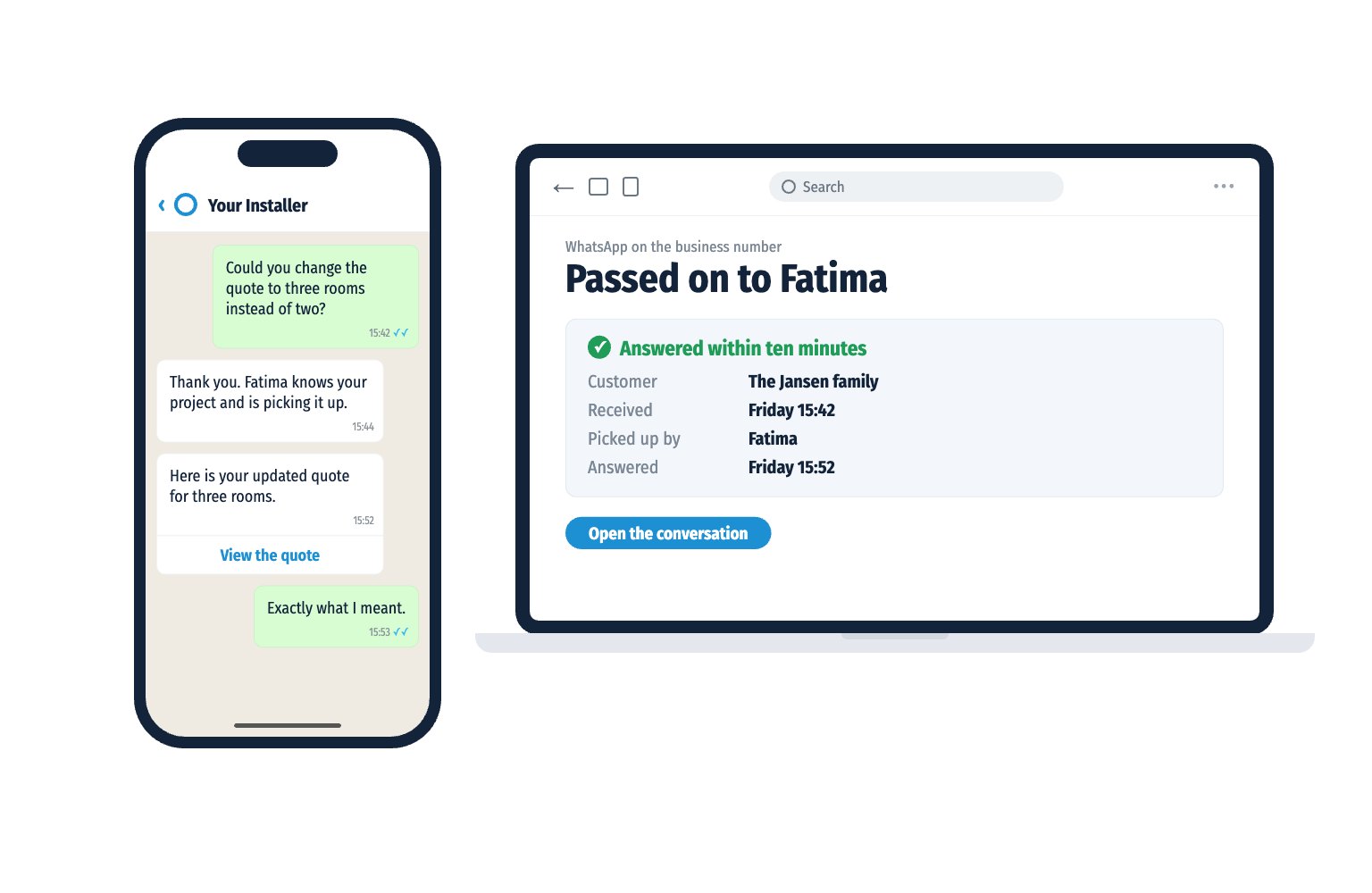
Friday afternoon. A customer messages something complicated. The message reaches the whole team.
Sander sees that Fatima knows this customer. He passes the conversation on to her.
Fatima reads through the whole history. Within ten minutes the customer has an answer.
“Exactly what I meant.”
Sander goes home at five. Just in time for the traffic jam.
The customer is heard. The employee simply works in their own email. The organisation earns it. So it arrives.
How does your organisation score? Take the free Communication Scan. In one minute you see where you can gain in reachability, appointments and follow-up. Your result arrives straight in WhatsApp.
Prefer to see how it works first? Book a demo.
Sources: Accountant.nl, the Netherlands leads in business use of WhatsApp (Dutch) | WhatsApp Business app (Meta) | WhatsApp Business FAQ (Meta) | Pricing for replies (Meta)
Using WhatsApp for contact with customers, on a number that belongs to your business. You can do this with the free WhatsApp Business app or with the WhatsApp Business Platform for teams.
The app is free. With the WhatsApp Business Platform you pay Meta per message. Since 1 October 2026 that includes replies within 24 hours, above 1,000 free per number each month. On top of that you pay for the software your team works with.
Download the app, confirm your business number, fill in your business profile and switch on your messaging tools. Start with an away message.
In the app one account works on one phone and up to four linked devices. For larger teams there is the WhatsApp Business Platform. Your team then works from one inbox on the same number.
Via WhatsApp Web in your browser or with the app for Windows and Mac. You link your computer by scanning the QR code on your screen with WhatsApp Business on your phone.
No. You need a number that can receive a text message or phone call. That can also be a landline number.
Yes. Besides your own phone you can link up to four devices. These can also be other phones. Colleagues then reply under the same business number.
Yes, with WhatsApp Business. Regular WhatsApp does not support landline numbers. You confirm a landline number with a phone call.
If an employee messages from their own number or phone, the conversations leave with them. If the conversations are on your business number, they stay with your business.
The GDPR does not forbid WhatsApp. Your business remains responsible for customer data. That calls for agreements and measures. Do you work in healthcare or in financial or legal services? Then stricter requirements apply. With the WhatsApp Business Platform the conversations stay with your business. You can have messages stored in the EU.
Free Communication Scan
Take the free Communication Scan. 6 questions, 1 minute, your result straight to WhatsApp.
or book a 30 minute demo

We are directly and easily accessible to our customers. Our team works optimally together with RippleCom. We can help more customers with our current team, and we have saved two FTEs.


Thousands of customers. One communication standard. No missed messages. Linked with OutSmart. One inbox. Always an answer. Always traceable. RippleCom is our central control for customer contact.
This is how retail works in 2026


Customers called us 3,500 times a month about parts. Now they WhatsApp their registration and a photo of the type plate. An answer within twenty minutes. Connected to our phone system. 75% fewer calls. And messages arrive.

Reachable for my clients. Peace of mind for me. I get everything clearly organised in my email inbox. 90% of the most frequently asked question, “Can I have extra money?”, arrives separately. Either I pick it up or my colleagues do. With RippleCom I have peace and overview.

Involving residents in sustainability requires trust. That starts with accessibility. With RippleCom, we have managed to reach 20% of the residents. Fully transparent. This is how you build support.


We are active in eleven countries and serve thousands of customers. Hundreds of conversations a day. Without central control, that would be impossible. 300% higher customer satisfaction and conversion on price calculations from 4% to 37%. RippleCom scales with us.


Orthodontics is all about planning. Every appointment counts. With RippleCom, we have control over every patient contact. Reminders and changes are linked with our system. From 47 down to 12 no-shows per month. Our schedule is accurate. Our patients attend.


Our customers expect service at the highest level. That begins with communication. Direct. Personal. Reliable. Every appointment is confirmed. Every question answered. One inbox. Always an answer. That is what premium feels like.