Monday 9:10. Your laptop is open. Your email too.
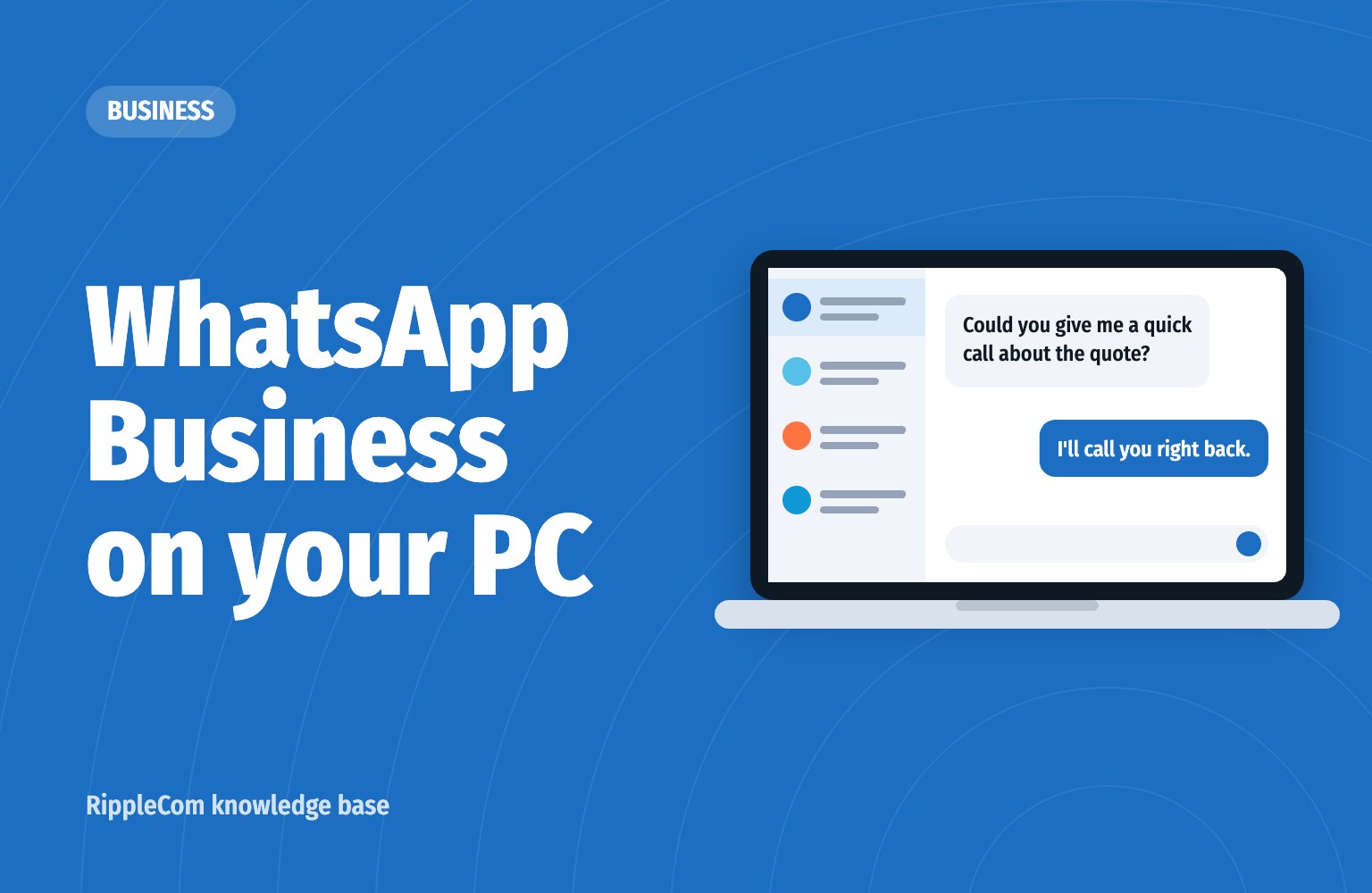
A message comes in on your phone: “Could you give me a quick call about the quote?”
You pick up your phone and type with your thumb. Five minutes later another one comes in. And another.
Your email is on your screen. Your customers are on your phone.
Yes. You link your business account to your computer. There are two ways to do this.
After that you see new messages on your phone and on your computer.
Scanning does not work? In WhatsApp Web and in the Windows app you can also link with your phone number and a one-time code. The WhatsApp Help Center explains how.
Both show the same chats. The difference is in how you use them.
Yes. Your computer works without your phone being online. There is one condition. Do you not use your phone for 14 days or longer? Then your linked devices are logged out. You link them again afterwards. This is stated in the WhatsApp Help Center.
A few things you can only do on your phone. According to WhatsApp, on a linked device you cannot, among other things:
You also still need your phone to create your account and to link new devices.
You can use WhatsApp Business on more than one computer. Without a subscription it is your phone plus four linked devices. With a paid Meta Verified subscription it can be up to ten in total. This is stated in the description of the app in the App Store. You can see in the app whether that subscription is available for your number.
Everyone then works in the same chats on the same number. In the free app you cannot see which colleague picked up a question.
Monday 9:10. A customer sends a WhatsApp message to the office landline: “Could you give me a quick call about the quote?”
The message arrives in the office email. Petra sees it straight away. She calls the customer back from the same number.
Her phone stays in her bag.
Calls, WhatsApp and SMS then come together on your business number. Your team works on the computer, in one overview or simply in email. There is no phone that has to be opened every 14 days.
The customer gets an answer. The employee works on a big screen. The organisation keeps the overview. So that it arrives.
How is your organisation doing? Take the free Communication Scan. In one minute you see where you can gain in reachability, appointments and follow-up. Your result arrives straight away via WhatsApp.
Would you rather see how it works first? Book a demo.
Yes. Through WhatsApp Web in your browser or through the WhatsApp app for Windows and Mac. You link your computer by scanning a QR code with the WhatsApp Business app on your phone.
Yes. You use the WhatsApp app for Windows or Mac and link your business account to it. For Windows you download the app from the Microsoft Store.
Yes, through web.whatsapp.com in your browser. You do need the WhatsApp Business app on your phone to create your account and to link your computer.
No. Your computer also works when your phone is switched off. Do use your phone at least once every 14 days. Otherwise your computer is logged out.
On your phone plus four linked devices. With a paid Meta Verified subscription it can be up to ten in total.
Free Communication Scan
Take the free Communication Scan. 6 questions, 1 minute, your result straight to WhatsApp.
or book a 30 minute demo

We are directly and easily accessible to our customers. Our team works optimally together with RippleCom. We can help more customers with our current team, and we have saved two FTEs.


Thousands of customers. One communication standard. No missed messages. Linked with OutSmart. One inbox. Always an answer. Always traceable. RippleCom is our central control for customer contact.
This is how retail works in 2026


Customers called us 3,500 times a month about parts. Now they WhatsApp their registration and a photo of the type plate. An answer within twenty minutes. Connected to our phone system. 75% fewer calls. And messages arrive.


Reachable for my clients. Peace of mind for me. I get everything clearly organised in my email inbox. 90% of the most frequently asked question, “Can I have extra money?”, arrives separately. Either I pick it up or my colleagues do. With RippleCom I have peace and overview.

Involving residents in sustainability requires trust. That starts with accessibility. With RippleCom, we have managed to reach 20% of the residents. Fully transparent. This is how you build support.


We are active in eleven countries and serve thousands of customers. Hundreds of conversations a day. Without central control, that would be impossible. 300% higher customer satisfaction and conversion on price calculations from 4% to 37%. RippleCom scales with us.


Orthodontics is all about planning. Every appointment counts. With RippleCom, we have control over every patient contact. Reminders and changes are linked with our system. From 47 down to 12 no-shows per month. Our schedule is accurate. Our patients attend.


Our customers expect service at the highest level. That begins with communication. Direct. Personal. Reliable. Every appointment is confirmed. Every question answered. One inbox. Always an answer. That is what premium feels like.